


 Claim Ownership
iOS Today (Audio)
Subscribed: 1,748Played: 50,470
Subscribe

© This work is licensed under a Creative Commons License - Attribution-NonCommercial-NoDerivatives 4.0 International - https://creativecommons.org/licenses/by-nc-nd/4.0/
Description
Join Rosemary Orchard and Mikah Sargent for iOS Today, TWiT.tv's podcast for all things iPhone, iPad, Apple Watch, Apple TV, and more! From app reviews to helpful tips and tricks, from the latest news to the coolest accessories, Rosemary and Mikah will help you make the most of all your iOS devices.
Submit your Apple device and shortcut queries through email at [email protected] or via TWiT's social media. You might hear your question answered on the show!
You can join Club TWiT for $10 per month and get ad-free audio and video feeds for all our shows plus everything else the club offers...or get just this podcast ad-free for $5 per month.
New episodes every Thursday.
350 Episodes
Reverse

The iPhone Duo is changing how apps, productivity, and even daily habits fit in your hand. Get a firsthand look at which apps are ready to transform with Apple's newest foldable, and what features might make you rethink your tech routine. Join the conversation on cutting-edge folding devices and where form meets function.
iPhone Duo shipping delays and ordering frustrations shared
Apple support guides highlight iPhone Duo poses and folding features
Discussion of Duo productivity boosts: Split View, multitasking, app pairing
Early third-party Duo-optimized apps showcased, major developers lag behind
Fantastical, Things 3, OmniFocus, and other productivity apps get Duo upgrades
Concerns about durability, foldables in daily life, and preciousness of new Duo
Standout Duo apps: NYT Cooking, Sky Guide, Wakeout!, TypeDraw, Fineliner
Skeuomorphic design returns: vinyl, cassette, and Polaroid-style apps for Duo
News: iOS 27.2 update with Siri AI improvements and new TV/Music app changes. Plus, unoptimized apps on Duo display awkwardly
Feedback: Private podcast RSS feeds and tvOS 27 compatibility issues addressed
Shortcuts Corner: iPhone Duo adds automation triggers for open/close actions
App Caps: Tiny Computers museum app and 3D printing slicer tools
Hosts: Mikah Sargent and Rosemary Orchard
Contact iOS Today at [email protected].
Download or subscribe to iOS Today at https://twit.tv/shows/ios-today
Join Club TWiT for Ad-Free Podcasts!
Support what you love and get ad-free audio and video feeds, a members-only Discord, and exclusive content. Join today: https://twit.tv/clubtwit
Club TWiT members can discuss this episode and leave feedback in the Club TWiT Discord.
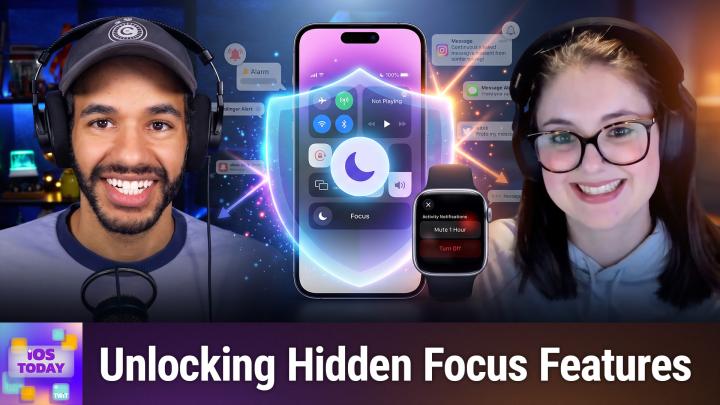
Are you drowning in notifications before you even finish your morning coffee? This episode explores clever Focus tweaks and next-level notification controls that can reclaim your sanity and protect your attention.
• Managing device distractions: Do Not Disturb and Focus basics
• Apple Watch and iPhone notification mirroring explained
• Customizing Focus modes for work, sleep, and driving
• Sharing Focus status and syncing settings across devices
• Letting important contacts break through Focus barriers
• When to create custom Focus modes beyond Apple's defaults
• Vacation Focus workaround to silence Microsoft Teams notifications
• Experiences and pros/cons with Apple Intelligence Reduce Interruptions
• Tiered approach to notifications across iPhone, Apple Watch, and Notification Center
• How to triage and silence notifications for sanity
• Screen Time insights for adjusting Focus and habits
• News: Focus features boost automation and Siri Shortcut integration
• iOS 27 gesture changes—Siri AI vs Notification Center in Control Center
• App Caps: Apple's Invites app and Brick device for strong app blocking
Hosts: Mikah Sargent and Rosemary Orchard
Contact iOS Today at [email protected].
Download or subscribe to iOS Today at https://twit.tv/shows/ios-today
Join Club TWiT for Ad-Free Podcasts!
Support what you love and get ad-free audio and video feeds, a members-only Discord, and exclusive content. Join today: https://twit.tv/clubtwit
Club TWiT members can discuss this episode and leave feedback in the Club TWiT Discord.
Sponsor:
PaloAltoNetworks.com/Idira
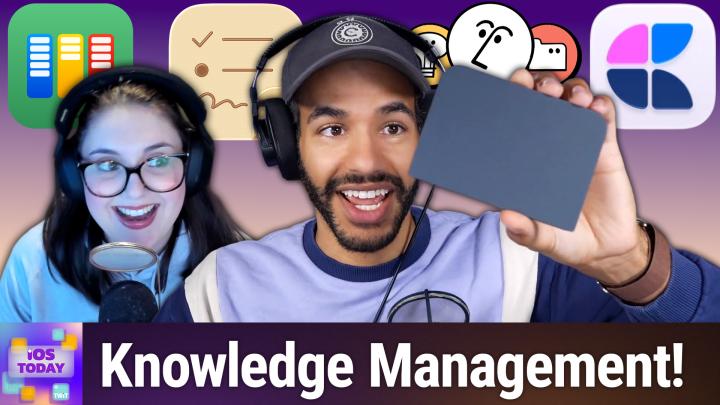
Is your digital life a scattered mess or a finely tuned "second brain"? This episode reveals how Rosemary and Mikah may organize everything from 3D printer hacks to family chaos using iOS power tools and apps you've never tried.
Building a "second brain" for knowledge management on iOS
Comparing digital note-taking systems: OmniFocus, Notion, Craft, Obsidian
Importance of cross-referencing and linking between apps
Notion deep dive: databases, AI features, and integration tips
Craft as an alternative for flexible, visual note organization
Drafts as a staging ground for notes and quick capture
Daily journaling and agenda apps: Parchment and Kan Do highlights
Community discussion: Using TextEdit, Notes, and minimal scratchpad workflows
iPhone Duo preorder chaos: launch supply snags and shipping delays
News: iOS 27 Reminders and Notes app updates
App Caps: Scrappy digital scrapbook and Everlog journaling app picks
Hosts: Mikah Sargent and Rosemary Orchard
Contact iOS Today at [email protected].
Download or subscribe to iOS Today at https://twit.tv/shows/ios-today
Join Club TWiT for Ad-Free Podcasts!
Support what you love and get ad-free audio and video feeds, a members-only Discord, and exclusive content. Join today: https://twit.tv/clubtwit
Club TWiT members can discuss this episode and leave feedback in the Club TWiT Discord.

Apple finally steps into the smart home display race with HomeView, shakes up its HomeKit lineup, and partners with major brands for "second-party" devices. Mikah Sargent and Rosemary Orchard break down what these big changes mean for everyday users and power tinkerers alike.
Apple debuts major Home app updates in iOS 27
HomeKit Secure Video gets AI-powered descriptions, smarter notifications, and search
New HomeKit features: Thread, Matter support, energy monitoring, 4K streaming
Apple reveals HomeView: smart display for the home with speaker or wall-mount options
HomeView's features, FaceTime, and multi-user support
Apple TV 4K updated with better Siri AI, microphones, and Find My remote
Four-speaker HomePod/HomePod mini surround sound with latest Apple TV
HomePod mini 2 announced: new sounds, color-matched features, and Siri AI caveats
Apple's "second-party" Home accessories line launches with LG, Schneider Electric
Overview of new cameras, video doorbell, floodlight, thermostat, and smart lock
Matter support in Apple Home devices: features, pitfalls, and real-world advice
Shortcuts Corner: Advanced HomeKit automations, weather integration, and triggers
App Caps: HomePass for HomeKit and Signals for HomeKit automate and simplify smart homes
Hosts: Mikah Sargent and Rosemary Orchard
Contact iOS Today at [email protected].
Download or subscribe to iOS Today at https://twit.tv/shows/ios-today
Join Club TWiT for Ad-Free Podcasts!
Support what you love and get ad-free audio and video feeds, a members-only Discord, and exclusive content. Join today: https://twit.tv/clubtwit
Club TWiT members can discuss this episode and leave feedback in the Club TWiT Discord.
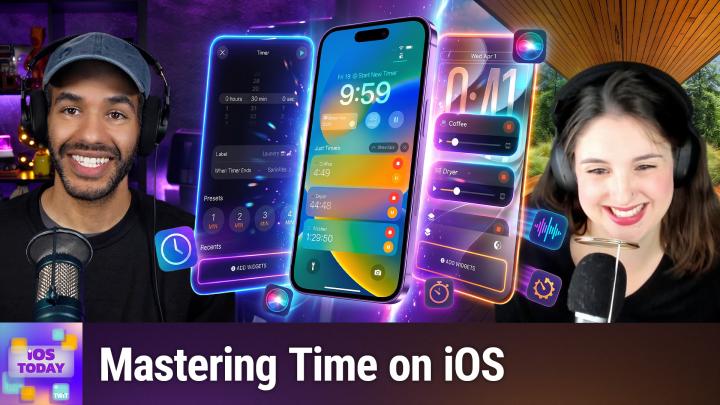
Discover how iOS and watchOS are quietly transforming the way you track, customize, and automate every second, from modular lock screens to Siri-powered alarms. Plus, hear why third-party apps are still running circles around Apple's timer tools.
Customizing lock screen time display and widgets on iOS
Apple's system clock app features: timers, alarms, world clock
Multiple timers and AlarmKit integration for developers
Timer controls, volume settings, and kitchen use tips
Handling time zones, world clock widgets, and third-party time apps
Apple Watch faces, complications, and ongoing third-party face debate
Accessibility tools: haptic feedback, chimes, and clock customization
Third-party timer apps: Just Timers, (Not Boring) Timer, Timer+, Overlap
Frustrations with time zone selection in clock apps
Time drift, manual clock changes, and device sync issues
iPhone Duo preorder details and Apple's "get ready" system
Shortcuts Corner: calendar event alarms and automation tricks
App Caps: Tiimo planner for ADHD/time blindness, Signal for group messaging
Hosts: Mikah Sargent and Rosemary Orchard
Contact iOS Today at [email protected].
Download or subscribe to iOS Today at https://twit.tv/shows/ios-today
Join Club TWiT for Ad-Free Podcasts!
Support what you love and get ad-free audio and video feeds, a members-only Discord, and exclusive content. Join today: https://twit.tv/clubtwit
Club TWiT members can discuss this episode and leave feedback in the Club TWiT Discord.

Comments

Download from Google Play

Download from App Store
 United States