


 Claim Ownership
Your Tech Makeover | Everyday Tech Tips
Subscribed: 2Played: 12
Subscribe

© Frank Bravo
Description
Your Tech Makeover is a practical tech podcast for everyday people, with clear answers about how to cancel subscriptions, passwords vs passkeys, and public Wi-Fi. Frank Bravo explains phones, Wi-Fi, smart home devices, online safety, AI, backups, scams, cloud storage, and more in a way everyone can understand. Each episode helps you make better choices, avoid common mistakes, and feel more confident using the technology you already own. New episodes drop every two weeks. Visit YourTechMakeover.com for more.
66 Episodes
Reverse

How small businesses use AI without letting it run wild comes down to one rule in this bonus conversation: AI can help a small team build far faster, but nothing it produces goes live until a person has checked it. The other half of moving fast is giving people real ownership of their ideas.Frank Bravo was a guest on What Comes Next with Arun, hosted by Arun Pattanayak, CEO of Tipsora, former Microsoft executive, and author of Future Proof Your Business. Arun titled the conversation "This 15-Person Team Ships Faster Than Companies 10x Its Size." This episode shares the parts of that conversation most useful to Your Tech Makeover listeners, with Frank stepping in between sections to set each one up.Frank talks about getting a computer at home as a middle schooler, more than three decades at a local newspaper that put its full editorial content on the web in 1994, and why he left to become CTO of ProLegal, a 15-person startup that builds tools and services for law firms. He explains how ProLegal Talent went from a hallway conversation to a live product in under two and a half months, and why none of the code AI helps him write goes live without review.The conversation ends somewhere much closer to home: a consulting client with iCloud on her iPhone, OneDrive on her Windows laptop, and no idea where any of her files actually live.In this episode, you will learn:How Frank went from part-time computer help at a newspaper to CTOWhy technology should make your work easier, and what it means when it doesn'tHow Your Tech Makeover grew out of Zoom calls with consulting clients during CovidWhere AI helps a small team build faster, and why nothing it writes ships without a human reviewHow a 15-person team took an idea from conversation to launch in under ten weeksWhy files end up scattered across iCloud and OneDrive, and why it isn't your faultResources:What Comes Next with Arun on Apple PodcastsWhat Comes Next with Arun on SpotifyThe full original conversation (also on YouTube)Related episodes:Printer Troubleshooting: Why It Says Offline and How to Fix It (the printer episode Frank mentions on air)Cloud Storage Wrap-Up (how iCloud, OneDrive, Google Drive, Dropbox, and Box compare)Using AI Without Losing the Human Touch (with Josh Elledge) (Frank's earlier guest conversation about AI as a tool)Chapters:(00:00) - A bonus conversation from What Comes Next with Arun
(01:47) - How I ended up doing this for a living
(03:10) - Putting a newspaper on the web in 1994
(04:00) - Leaving after 32 years for ProLegal
(04:38) - Moving from media to legal services
(05:41) - Technology should be a tool, not a hindrance
(08:00) - Bravo IT Consulting and how this podcast started
(09:48) - What ProLegal is, and where AI fits
(12:38) - Why no AI-written code goes live without review
(13:24) - How a 15-person team moves fast
(15:11) - ProLegal Talent: idea to launch in under ten weeks
(16:28) - What I'd build if money were no object
(17:59) - iCloud, OneDrive, and files everywhere
(18:49) - Thanks to Arun, and a question about your files
(19:47) - Outro
★ Support this podcast ★
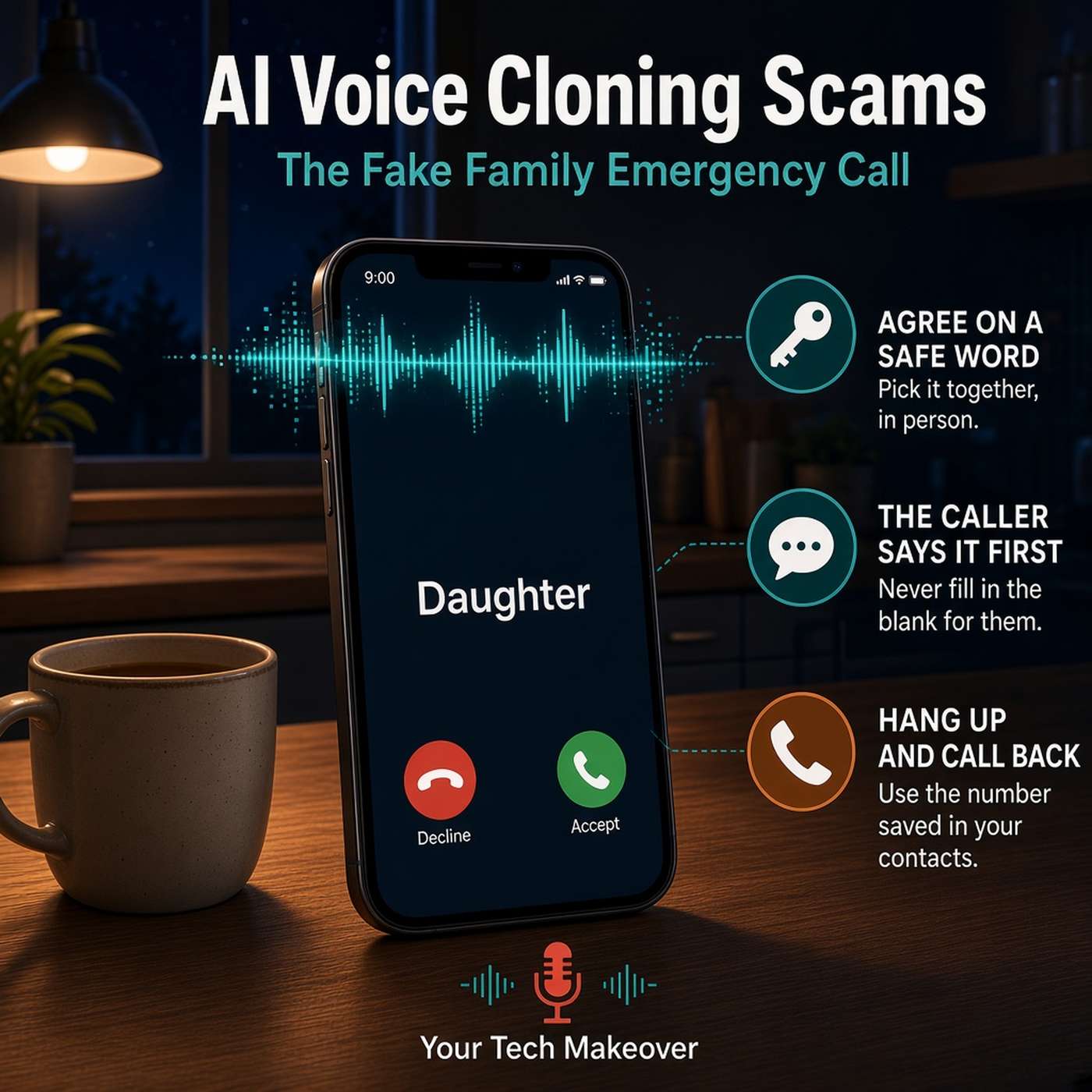
An AI voice cloning scam can make a phone call sound exactly like your daughter, your son, or your grandchild, crying, scared, and asking for help. It is the old "grandparent scam" with one new and very effective twist: the voice on the line really does sound like someone you love.Frank Bravo explains how little it takes to pull this off. Researchers at McAfee found that a free online tool could produce about an 85% voice match from just three to four seconds of someone talking. That is a graduation clip, a church livestream, a voice note in a group chat, or the first few seconds of an Instagram post. Teenagers and young adults are the most exposed, because their voices are already in dozens of public places.That is why the usual advice to "listen for something off" no longer holds up. People cannot reliably pick out a cloned voice even in a quiet room, and these calls are built to create panic: an emergency, a family member, a police officer or lawyer on the line, and instructions not to hang up or tell anyone else.The fix is old-fashioned and free. The FBI recommends that families create a secret word or phrase to verify each other's identity. Frank adds the rule that makes it work: the caller has to produce the word, and you never fill it in for them. He also walks through exactly what to do if the call comes before your family has set one up.In this episode, you will learn:How AI voice cloning scams work, and where scammers get a recording of your family member's voiceWhy your ear can no longer be trusted to spot a fake voiceHow the fake family emergency call uses panic, authority, and secrecy to keep you on the lineHow to set up a family safe word, and the one rule that keeps scammers from getting it out of youHow to choose a safe word that cannot be researched, and why you should share it only in personWhat to do if you get the call before you have a safe word: hang up, call back on the saved number, and call someone elseWhy any demand for gift cards, wire transfers, cryptocurrency, or a payment app means it is a scamResources:FBI public service announcement on criminals using generative AI for fraud (December 2024; includes the "secret word or phrase" advice)Report a scam to the FTC at ReportFraud.ftc.govRelated episodes:Gift Card Scams: How to Spot Them Before You Get Hooked (the earlier episode Frank mentions on air, covering the pay-with-gift-cards scam and the grandparent scam)Dark Web Explained: Should You Actually Be Worried? (where the personal details in these calls often come from)Stop the Spam: Cut Down Junk Calls and Emails (how to reduce scam calls in the first place)Chapters:(00:00) - Cold open: the call at nine at night
(00:57) - Welcome and what we are covering
(01:40) - Where scammers get your family's voice
(01:53) - How little audio it takes
(02:35) - Why teens and young adults are most exposed
(02:56) - Why you can't trust your ear anymore
(03:15) - The real weapon is panic
(04:00) - Support message
(04:26) - The fix: a family safe word
(04:55) - The rule that matters most: the caller says it first
(05:42) - How to pick and share a safe word
(06:20) - If the call comes before you have a safe word
(07:12) - Listen for the ask: how scammers want to be paid
(07:52) - Coming up in two weeks: gift card scams
(08:05) - Wrap up: what to do this Thanksgiving
(09:10) - Listener question
(09:36) - Outro
★ Support this podcast ★
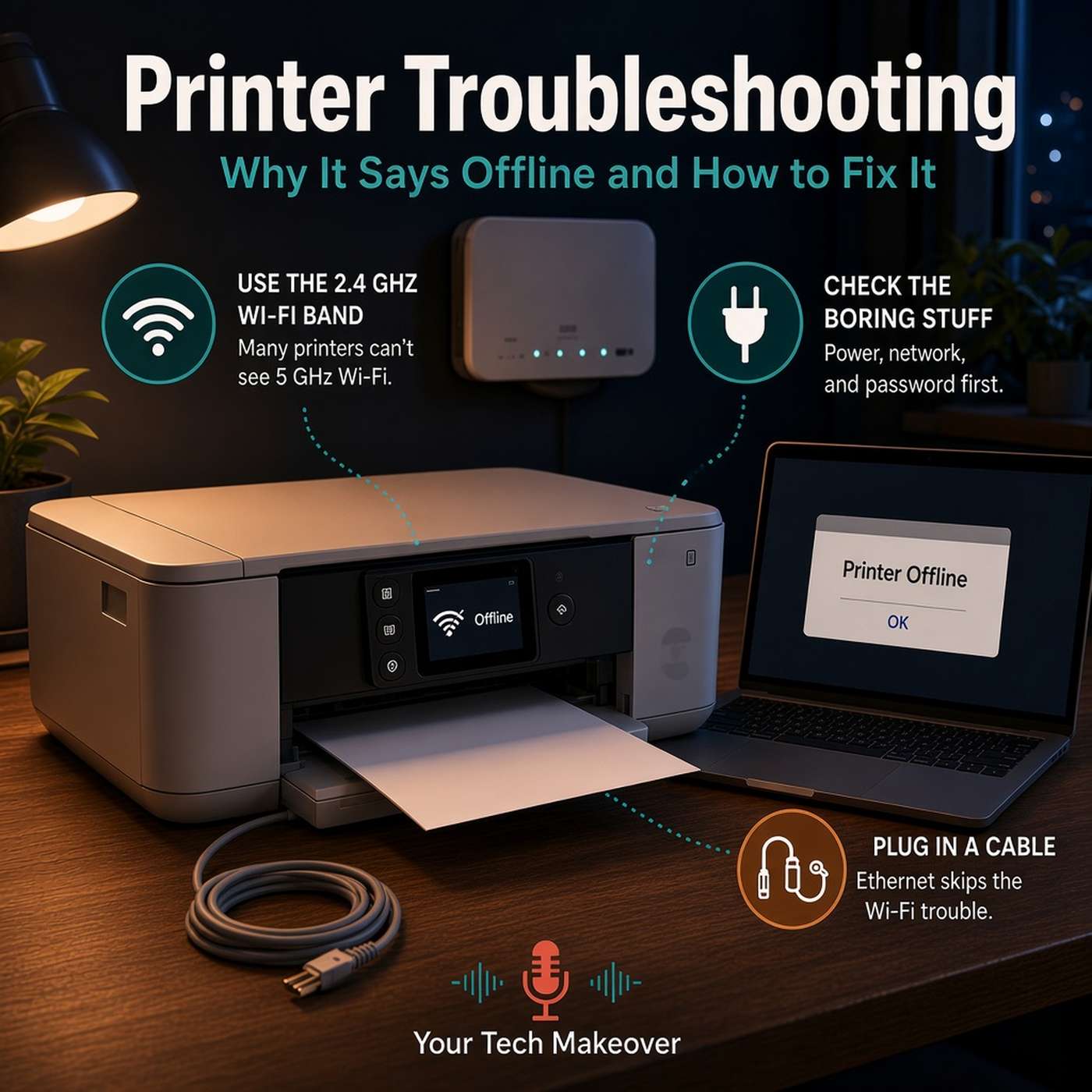
Printer troubleshooting usually starts the same way: you need one page, and the printer that worked fine last week says it is offline. Nothing changed, you did not touch it, and it has quietly decided to become a table.Frank Bravo starts with why printers behave like this. Printers are often sold at a price that does not cover what they cost to build, because the money is in the ink. The printing mechanism tends to be good. The wireless networking is where the corners get cut.The biggest culprit is your Wi-Fi. Routers broadcast on two bands, 2.4 GHz and 5 GHz, and many home printers can only use 2.4. When a newer router or mesh system combines both bands under one network name (a feature called band steering or Smart Connect), it can push the printer toward the band it cannot see, and the connection fails without telling anyone. Frank then walks through the boring causes in the order he checks them, including the hotel business center printer in San Diego that turned out to be unplugged. Finally, he shares the fix he reaches for first on every printer call: if the printer has a network port, plug it into your router with an Ethernet cable and skip Wi-Fi altogether.The episode closes with honest buying advice for when troubleshooting stops being worth it.In this episode, you will learn:Why your printer says offline when nothing seems to have changedHow the 2.4 GHz and 5 GHz Wi-Fi bands affect your printer, and why a new router or mesh system can knock it offlineThe simple checks to run first: power, sleep mode, the right network, and a changed Wi-Fi passwordWhy the printer's network address can change, and how a DHCP reservation keeps it in placeThe Windows "Use Printer Offline" setting, and how to turn it offWhy an Ethernet cable is the most reliable printer fix there isHow to shop for a printer by the cost of ink rather than the box, and why laser printers often winWhat to know about ink subscription plans before you sign upResources:HP Instant Ink: what happens if you cancel (cartridges keep working until the end of your current billing cycle, then stop; the plan also needs the printer to stay online)Want help setting up a DHCP reservation for your printer? Frank offered on air to walk you through it. Email [email protected] episodes:Master Your Home Wi-Fi: Simple Tricks for Optimal Coverage (more on the 2.4 and 5 GHz bands; one network name for both bands is still the right setup for phones and laptops, but a printer may need the 2.4 band on its own)The Right Way to Share Wi-Fi with Guests (guest networks, and why your printer should not be on one)Staying Cyber-Safe on Vacation (the full San Diego hotel business center story)Chapters:
★ Support this podcast ★
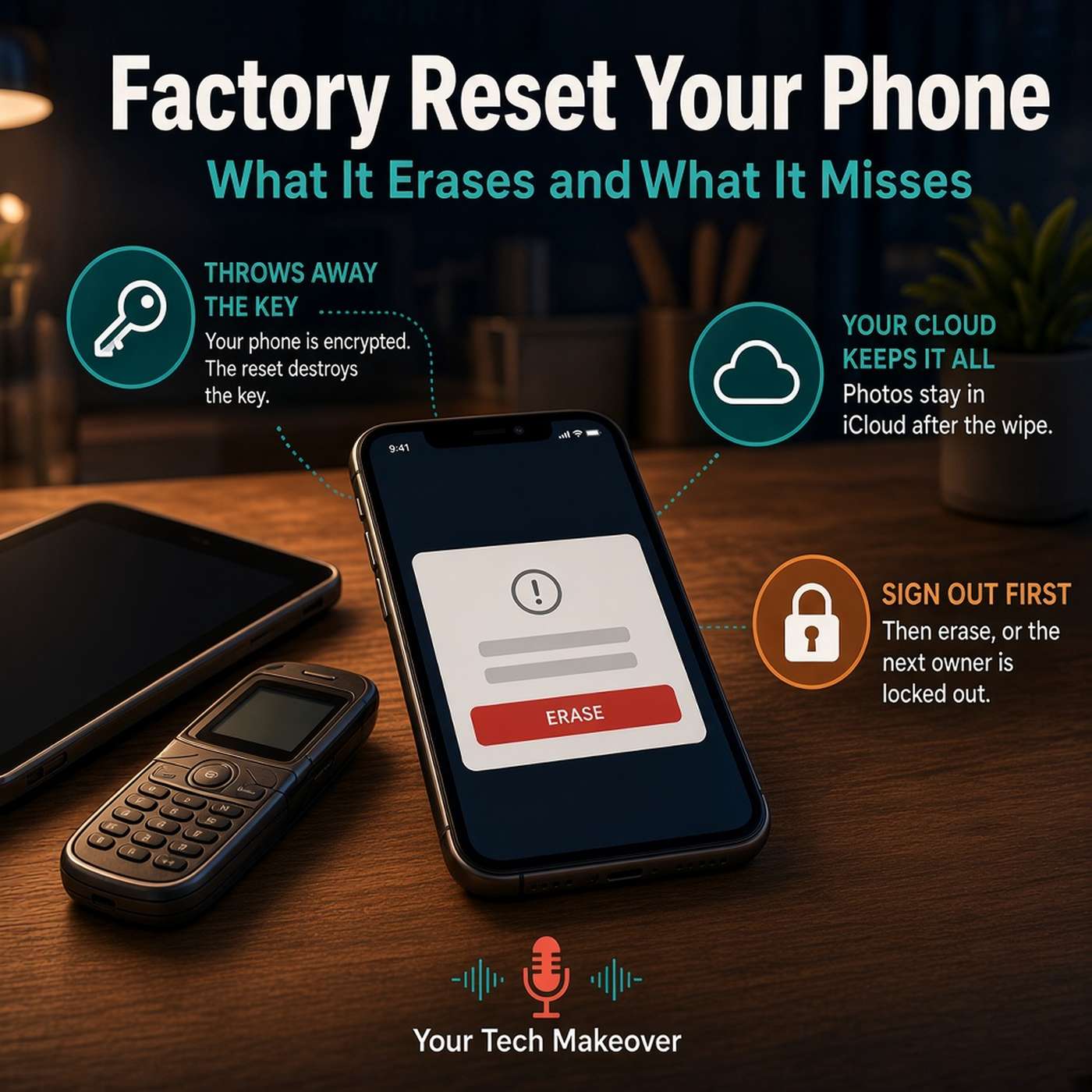
A factory reset is the thing most people feel are standing between the old phone in your drawer and actually selling it, donating it, or handing it down.Frank Bravo corrects the mental picture. A reset does not scrub the drive. Your phone has been encrypted since the day you set it up, and the reset throws away the one key that unscrambles everything, which is why it takes minutes instead of a weekend and why you can genuinely trust it. Then comes the part that catches people: it does not touch your cloud account. Erase an iPhone and your photos are still sitting in iCloud. That is good news if you are upgrading and bad news if you were trying to make your data disappear. Subscriptions keep billing too, because they live with your account rather than the hardware.The step people skip is the order. Sign out of your accounts first, then erase. Activation Lock and Factory Reset Protection are excellent against thieves, but the phone cannot tell a thief from the nephew you handed it to. Frank also covers when a reset is overkill, and how to recycle the old phone properly once it is wiped.In this episode, you will learn:What a factory reset actually does, and why throwing away the encryption key means the data is gone for goodWhy your photos survive in iCloud or Google Photos even after you wipe the phoneWhy subscriptions keep charging after a resetThe one step people skip: sign out of your accounts before you erase, not afterWhen a reset is overkill, and what usually makes a phone feel slow insteadHow to recycle an old device properly, and why the household bin is the wrong place for itResources:Apple Trade In and Apple Recycling, which take back Apple devices even when they have no trade-in valueCheck your local garbage or waste company for an electronics drop-off or transfer station, and most large electronics retailers have a recycling bin near the entranceRelated episodes:💳 How to Cancel Subscriptions and Stop Getting Billed for Good🔒 What to Do If Your Phone Is Stolen: iPhone & Android ChecklistThe Hidden Battery Drains on Your Devices Chapters:(00:00) - Cold open: the old phone in the drawer
(00:41) - Welcome and what we are covering
(01:20) - It does not scrub, it throws away the key
(02:31) - Your cloud account keeps everything
(03:43) - Subscriptions keep billing, and the device list
(04:33) - Support message
(05:12) - The step people skip: sign out first
(05:59) - Why it leaves the next owner stuck
(06:58) - The reset steps on iPhone and Samsung
(07:21) - When a reset is the right call
(07:41) - When it is overkill
(08:27) - How to recycle the device properly
(09:26) - Wrap up and listener question
(10:06) - Outro
★ Support this podcast ★
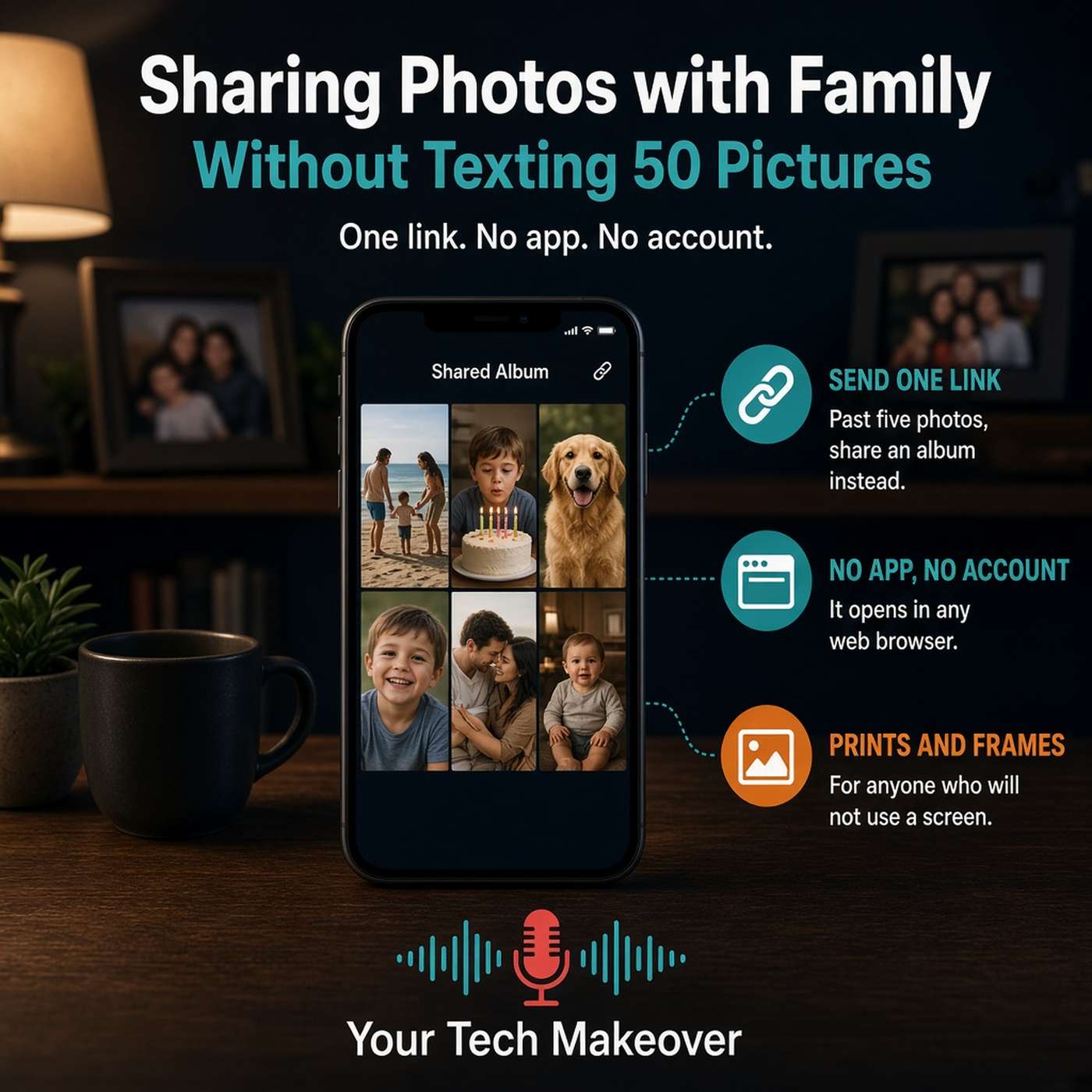
Sharing photos with family should be the easy part, but it usually turns into forty buzzes on somebody's phone during a meeting, a batch of blurry pictures, and a call from your mom asking how to save the one of the cake. This episode is a plain-English guide to how to share photos with family and friends in a way that actually works, whether your relatives are on iPhone, on Android, or not really on a screen at all.Frank Bravo starts with the shift that makes everything else simple. Most of us pick the way to share photos based on what is easiest for us, because we are the ones holding the phone. The better question is what happens when the other person receives it. After years of helping people with this, Frank finds most families come down to three kinds of people: the person who will install an app and sign into an account without blinking, the much larger group who will happily tap a link but are never creating another password, and the person who is not going to look at a screen for this at all. The goal of the episode is to move that third group at least into the second one.From there, Frank explains why texting a big batch gives you the worst-looking version of your own pictures. When there is an Android phone in the group, the connection can fall back to older carrier texting and the photos get squeezed down to fit through a much narrower pipe. That is why they arrive soft. The picture was never bad, it just got compressed on the way. So the answer to the question he gets most, whether to send them one at a time or all at once, is really neither. One or two photos are fine to text. Once you are past five or six, stop texting and use a link.The heart of the episode is the approach that solves the hardest case. Both Apple and Google Photos let you put pictures into an album and create a plain web link to it. Not an app invitation and not an account request, just a link that opens in whatever browser the person already uses. Frank covers how to set that up on iPhone and in Google Photos, an important caution that anyone holding that link can see the photos, why an album beats a text blast when you want to add more pictures later, and how a fully shared album where everyone contributes worked for his own family reunion. He closes with the two options nobody thinks about anymore: printed photos, and smart photo frames, which his parents have used for years and which his mother-in-law got last Christmas.In this episode, you will learn:Why the sharing method should fit the person receiving the photos, not the person sending themThe three kinds of people in almost every family, and what actually works for eachWhy texted photos arrive blurry, and what is really happening to them along the wayWhen texting photos is fine, and the point at which you should switch to a linkHow to create a shared album and share it as a plain web link that needs no app and no accountThe privacy tradeoff of a public album link, and why anyone holding it can see your photosWhy a shared album beats a text blast for anything ongoing, like a new grandchild or a long tripWhy prints and smart photo frames are practical answers rather than nostalgic onesRelated episodes:☁️ Cloud Photo Backup: iCloud vs Google vs Amazon Compared💬 How Group Texts Work: iMessage vs RCS on iPhone & AndroidYou can always find more information at YourTechMakeover.com.
★ Support this podcast ★

Comments

Download from Google Play

Download from App Store
 United States