


 Claim Ownership
Hands-On Apple (Audio)
Subscribed: 36Played: 147
Subscribe

© This work is licensed under a Creative Commons License - Attribution-NonCommercial-NoDerivatives 4.0 International - http://creativecommons.org/licenses/by-nc-nd/4.0/
Description
Hands-On Apple explores and explains the Mac — and beyond! From clever Terminal commands to little-known iOS settings, Mikah Sargent shares all the best tips and tricks for your Mac, iPad, iPhone, and Apple Watch. You'll get all the details on Apple's apps and the best apps in the App Store, you'll learn about awesome accessories for your Apple devices, and you'll explore updates to Apple's operating systems — including iOS, macOS, iPadOS, and watchOS. Hands-On Apple is your one-stop shop for Apple know-how. You can join Club TWiT for $10 per month and get ad-free audio and video feeds for all our shows plus everything else the club offers...or get just this podcast ad-free for $5 per month.
New episodes every Thursday.
New episodes every Thursday.
11 Episodes
Reverse

Ever wonder why your iPad keeps popping up surprise notes every time you swipe from the corner? This episode breaks down the Quick Notes feature, why it keeps tripping up users, and the simple settings that put you back in control.
Activating Quick Notes with swipe gestures from screen corners
Quick Notes interface walkthrough: markup, multiple notes, screenshots, sharing
Using Quick Notes while multitasking—making fast notes during other activities
Quick Notes storage and organization in the Notes app
Apple Pencil integration with Quick Notes
How to disable or customize corner swipe gestures in iPadOS settings
Assigning screenshot function to corner swipes instead of Quick Notes
Universal app support for customized corner swipe gestures
Recurring accidental Quick Note activation and practical troubleshooting
Host: Mikah Sargent
Download or subscribe to Hands-On Apple at https://twit.tv/shows/hands-on-apple
Want access to the ad-free audio and video and exclusive features? Become a member of Club TWiT today! https://twit.tv/clubtwit
Club TWiT members can discuss this episode and leave feedback in the Club TWiT Discord.

Tired of scrolling endlessly to find that one hilarious link or important document someone texted you months ago? Mikah Sargent reveals how a simple click unveils every photo, link, and document from your conversations, saving you time and sanity.
Quick access to shared content using the disclosure arrow on macOS
Sorting and previewing photos, videos, and shared media within message threads
Accessing and managing links and documents shared via Messages
Filtering content types like photos, videos, screenshots, and collaborations for faster retrieval
Practical tips for recovering past shared files in Messages
Host: Mikah Sargent
Download or subscribe to Hands-On Apple at https://twit.tv/shows/hands-on-apple
Want access to the ad-free audio and video and exclusive features? Become a member of Club TWiT today! https://twit.tv/clubtwit
Club TWiT members can discuss this episode and leave feedback in the Club TWiT Discord.

Ever wonder why apps suddenly disappear from your iPhone, just when you need them most? This episode reveals the iOS feature quietly sweeping your unused apps off your device and shows you how to take control.
How to find and adjust App Store app settings in iOS
Reviewing app permissions and privacy controls in App Store settings
Managing automatic app downloads, updates, and in-app content
Using cellular data for app downloads: controls and limits
How to handle in-app ratings, reviews, and update prompts
Offload Unused Apps explained: storage, data, and user experience
Personalized recommendations and privacy management in App Store settings
Resetting your App Store identifier for privacy
Host: Mikah Sargent
Download or subscribe to Hands-On Apple at https://twit.tv/shows/hands-on-apple
Want access to the ad-free video and exclusive features? Become a member of Club TWiT today! https://twit.tv/clubtwit
Club TWiT members can discuss this episode and leave feedback in the Club TWiT Discord.

Ever wondered why your iPhone's sound isn't as loud as you expect, or your AirPods seem capped? Mikah Sargent uncovers the hidden settings that could be hindering your listening experience.
Managing silent mode and status bar indicators on newer iPhones
Switching audio input sources, including iPhone mic and AirPods
Fine-tuning ringtone and alert volume controls for less disruption
"Change with buttons" explained: separation of media and alert volumes
Customizing haptic feedback and vibration settings for notifications
Setting default sounds for ringtones, texts, voicemail, and mail alerts
Keyboard feedback: toggling typing sounds and haptics preference
Differences between iPhone and iPad haptics (limitations on iPad)
Controlling speaker volume limits and effects on media playback
Understanding "Reduce Loud Sounds" to avoid abrupt audio spikes
Headphone safety: adjusting reduced loud audio upper limit for AirPods
Headphone usage notifications & protecting hearing over seven days
Managing USB audio accessory settings and privacy tracking
Host: Mikah Sargent
Download or subscribe to Hands-On Apple at https://twit.tv/shows/hands-on-apple
Want access to the ad-free video and exclusive features? Become a member of Club TWiT today! https://twit.tv/clubtwit
Club TWiT members can discuss this episode and leave feedback in the Club TWiT Discord.
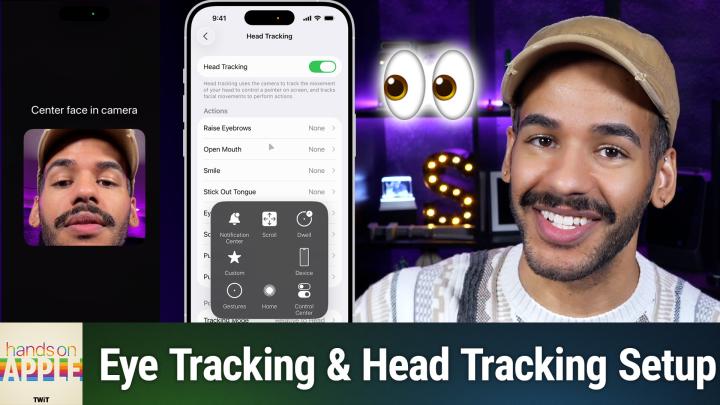
Control your iPhone just by looking at it. Mikah Sargent dives into the eye-tracking (and head tracking) feature on iOS, showing how it contributes to accessibility and reimagines device interaction.
How to set up and use iOS eye tracking controls
Eye tracking customization: smoothing, snap to item, dwell control, and more
Eye tracking training process and device positioning tips
Accuracy challenges and retraining
Head tracking as an alternative: facial gestures trigger iOS actions
Head tracking menu navigation with expressions
Host: Mikah Sargent
Download or subscribe to Hands-On Apple at https://twit.tv/shows/hands-on-apple
Want access to the ad-free video and exclusive features? Become a member of Club TWiT today! https://twit.tv/clubtwit
Club TWiT members can discuss this episode and leave feedback in the Club TWiT Discord.
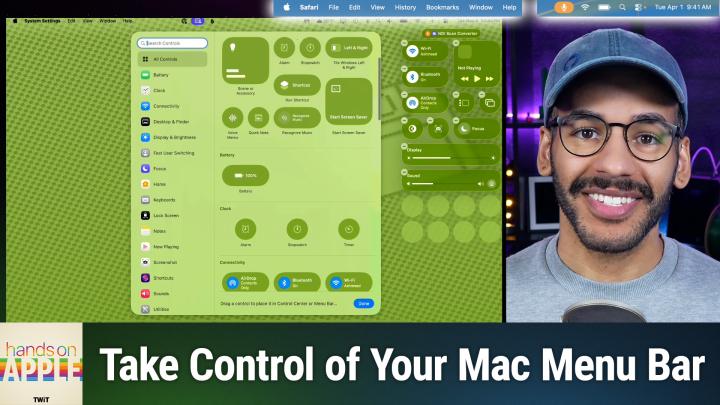
Mac users, forget juggling third-party apps! Apple's macOS Tahoe finally gives you real control over your menu bar and Control Center. Check out how this long-awaited update could change the way you work every day.
Exploring new default transparent menu bar background visuals
Adjusting menu bar visibility and hiding options in System Settings
Toggling menu bar background effects for better personalization
Managing recent documents, apps, and servers through menu bar settings
Adding, removing, and arranging controls in menu bar and Control Center
Detailed walkthrough of menu bar settings like WiFi, Bluetooth, battery, Focus, and display
Granular app icon management—allow or deny permission to show in menu bar
Rearranging menu bar icons using command+drag
Quick reset options and comprehensive clock display tweaks for the menu bar
Host: Mikah Sargent
Download or subscribe to Hands-On Apple at https://twit.tv/shows/hands-on-apple
Want access to the ad-free video and exclusive features? Become a member of Club TWiT today! https://twit.tv/clubtwit
Club TWiT members can discuss this episode and leave feedback in the Club TWiT Discord.

See how AirPods Pro team up with your iPhone to run a personal hearing test and tailor audio just for you. Get a firsthand look at a health tool you may not realize is sitting in your pocket.
Step-by-step guide to starting hearing test and prepping devices
Real-time noise detection and environment checks during test setup
Fit adjustment guidance and sound tests for optimal AirPod positioning
Tone pulses and interactive hearing assessment via iOS Health integration
Saving and reviewing audiogram results in Health app after test completion
AirPods tuning and hearing assistance recommendations based on test results
Host: Mikah Sargent
Download or subscribe to Hands-On Apple at https://twit.tv/shows/hands-on-apple
Want access to the ad-free video and exclusive features? Become a member of Club TWiT today! https://twit.tv/clubtwit
Club TWiT members can discuss this episode and leave feedback in the Club TWiT Discord.
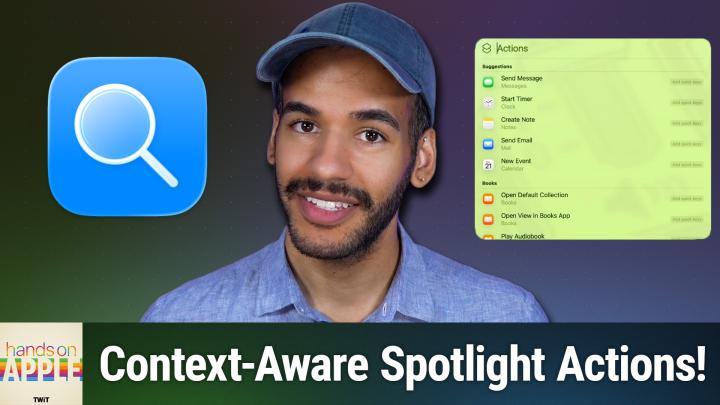
This episode demonstrates how Spotlight's new "actions" feature quietly transforms your workflow, adapting to the app you're using and what you copy, delivering shortcuts you never knew you needed. Discover how to create lightning-fast quick keys in Spotlight, letting you instantly send emails, print documents, or launch commands in your favorite apps.
Spotlight actions get personal—suggestions adapt to your app usage
Third-party apps feed custom actions into Spotlight
Actions adapt to your current app like Photos & Notes
Context-aware Spotlight pulls menu bar commands and clipboard data
Quick Keys for Spotlight actions let you set up fast shortcuts
Real-world examples: creating shortcuts for email, Finder, and printer tasks
Spotlight actions connect workflows—print PDFs and automate simple actions
Host: Mikah Sargent
Download or subscribe to Hands-On Apple at https://twit.tv/shows/hands-on-apple
Want access to the ad-free video and exclusive features? Become a member of Club TWiT today! https://twit.tv/clubtwit
Club TWiT members can discuss this episode and leave feedback in the Club TWiT Discord.
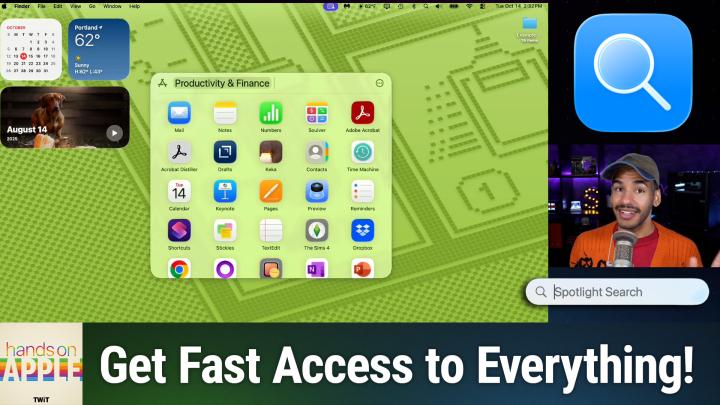
If you think Spotlight is just for searching, think again. Discover how its revamped browsing modes and new smart actions can change the way you interact with your Mac! Instantly access apps, files, actions, and even your clipboard history, all with a few keyboard shortcuts.
Navigating Spotlight Search using menu, keyboard, and mouse shortcuts
Categorized app browsing and launching, including iPhone mirroring integration
File browsing in Spotlight with intelligent suggestions and advanced filtering
Viewing files in grid or list mode, with previews and usage-based organization
Accessing and customizing Spotlight Actions, with hundreds of shortcut possibilities
Clipboard history now searchable and actionable within Spotlight, supports files and text
Privacy controls for Clipboard search and management of sensitive data in Spotlight
Host: Mikah Sargent
Download or subscribe to Hands-On Apple at https://twit.tv/shows/hands-on-apple
Want access to the ad-free video and exclusive features? Become a member of Club TWiT today! https://twit.tv/clubtwit
Club TWiT members can discuss this episode and leave feedback in the Club TWiT Discord.
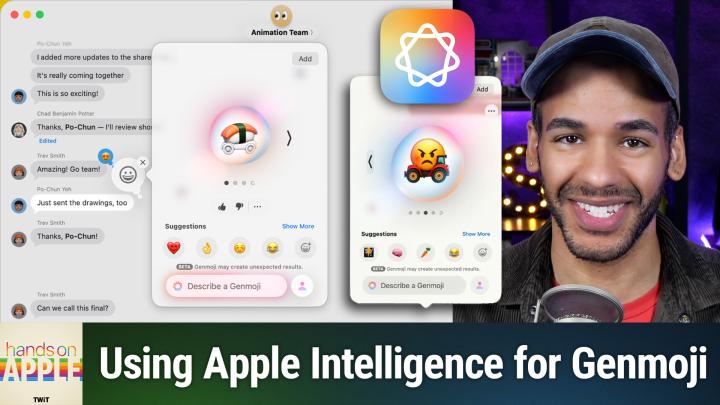
Apple's Genmoji just got smarter, letting you combine emojis, add custom descriptions, and totally personalize your reactions on iOS, iPadOS, and macOS. Find out how this playful AI tweak might just change the way you text.
Apple Genmoji gets updated with new customization features
Demonstrating Genmoji creation and emoji combination in Messages app
Exploring uses of text descriptions to enhance Genmoji results
Mixing emoji and text for unique, personalized Genmoji
Adjusting Genmoji hairstyle and facial hair using Photos library people
Customizing Genmoji with expressive moods and emotions
Genmoji creativity yields odd and surprising results
Host: Mikah Sargent
Download or subscribe to Hands-On Apple at https://twit.tv/shows/hands-on-apple
Want access to the ad-free video and exclusive features? Become a member of Club TWiT today! https://twit.tv/clubtwit
Club TWiT members can discuss this episode and leave feedback in the Club TWiT Discord.
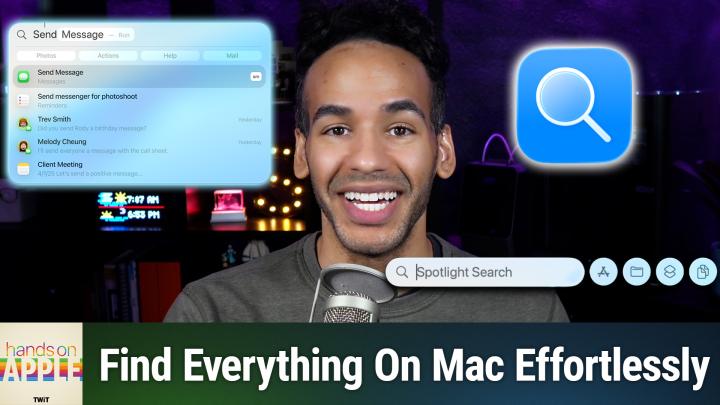
Spotlight is getting a serious upgrade in macOS Tahoe, surfacing your files, windows, and even cloud content with smarter, faster results. Allow Mikah to walk you through the surprising shortcuts and hidden tricks that will change how you find everything on your Mac.
Quick access to Spotlight via keyboard or menu bar
Recentering Spotlight Search bar with control-click shortcut
Enhanced search rankings based on personal use and relevance
Refined filtering by app, file type, provider, or folder
Spotlight displays results from open windows and browser tabs
Cloud storage integration expands search to Dropbox, Google Drive
Website search shortcuts for popular sites like Amazon and YouTube
Direct questions and smart queries supported with Siri and ChatGPT
Spotlight suggests actions and deeper settings directly from search
Performance quirks and indexing delays still present in Spotlight
Host: Mikah Sargent
Download or subscribe to Hands-On Apple at https://twit.tv/shows/hands-on-apple
Want access to the ad-free video and exclusive features? Become a member of Club TWiT today! https://twit.tv/clubtwit
Club TWiT members can discuss this episode and leave feedback in the Club TWiT Discord.
Comments

Download from Google Play

Download from App Store
 United States