


 Claim Ownership
Tips for Business
Subscribed: 367Played: 402
Subscribe

℗ & © 2016 Apple Inc.
Description
Learn how to get the most from your iPhone and iPad at work with this collection of quick video tips, featuring iOS shortcuts, and the best business apps for iPad and iPhone available in the App Store.
41 Episodes
Reverse

Don't let your busy schedule keep you from collaborating with colleagues and clients. With the Join.me app from the App Store you can host virtual, face-to-face meetings right from iPad or iPhone.
Simplify the workflow for collecting document signatures and approvals to keep your business moving forward. With the DocuSign app from the App Store, you can store frequently used business documents and send them out for multiple signatures quickly, right from iPad.
Help your company's sales team keep better tabs on client interactions. With iPad and the ForceManager app from the App Store, your sales team can prepare for customer visits and keep client information up to date.
Running an appointment-based business means keeping track of an ever changing schedule. With iPad and the Timely app from the App Store you can manage appointments, cancelations, staff scheduling, and payments in a single place.
Simplify the way your field service team captures rich data in the field. With the ProntoForms app from the App Store, it's easy to complete digital forms and instantly submit them back to the office.
Run more effective email marketing campaigns, grow your business revenue, and build brand loyalty. With iPhone and the MailChimp app from the App Store you can keep tabs on campaign performance wherever you are.
Starting up a small business and selling online is easier than you think. With iPhone and the Shopify app from the App Store, you can manage and fulfill orders no matter where you are.
Keep track of important notes and details throughout the day, at work or on the road. Create checklists, add links, and embed elements from other apps, like Maps.
Gathering feedback and tracking changes is easier when you're all working on the same file. With collaboration features built into Pages, Numbers, and Keynote, you can work together with colleagues in real time.
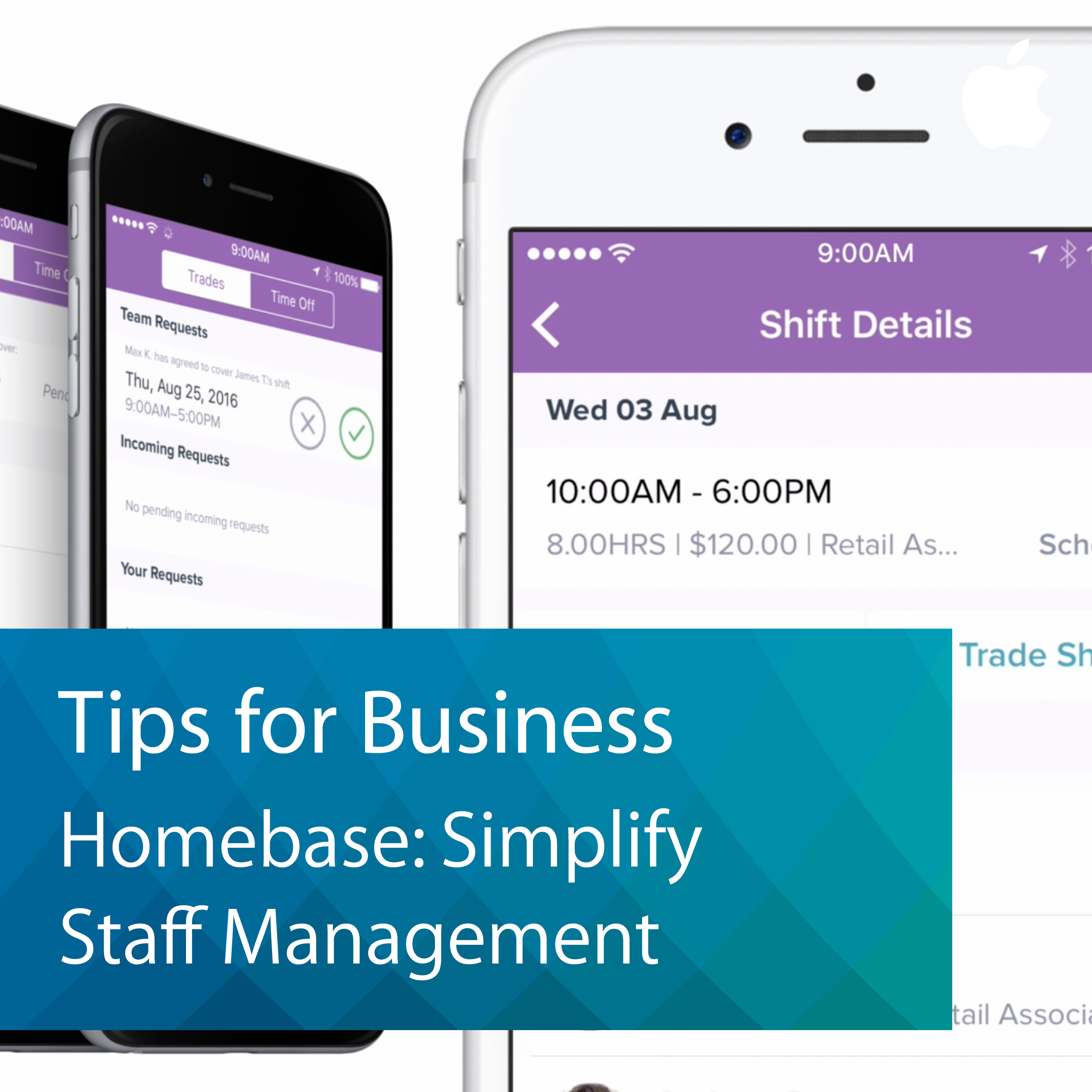
Simplify your staff scheduling and reduce errors on employee time cards with the Homebase Time Clock app from the App Store.

Capture restaurant invoices instantly to better track and analyze your spending. Set up email alerts to get notified of major price changes for ingredients.
Instantly share large files from your iPad with other Apple devices nearby, even when you don't have access to the internet.
Be more productive on team projects by collaborating on documents with your colleagues. With iPad and the Quip app from the App Store, you can edit together in real time and keep track of changes and feedback in a single place.
When managing team projects, sometimes a simple checklist isn't enough. With the Trello app for iPad, you can organize tasks and share information on an interactive dashboard.
Create a custom keyboard shortcut for a word or phrase you use often, and iOS will type it for you.
Automate your common actions and tasks and set them in motion with a single tap with the Workflow app from the App Store.
When dialing a phone number with an extension or passcode, iPhone lets you easily connect in just a few taps without having to memorize numbers.
Employees can securely access the most up-to-date business files in the cloud or on the server and share presentations and custom collections on iPad.
With iPad and the Talech Register app from the App Store, you can take your point of sale mobile and manage your back office from anywhere in your store.
Create a better dining experience by taking customer orders and accepting payments right at the table and changing the menu on the fly.

Comments

Download from Google Play

Download from App Store
 United States