


 Claim Ownership
Signed
Subscribed: 0Played: 6
Subscribe

© 2020–2026 Information Technology Broker LLC
Description
The IT market is built for sellers, not buyers.
That's why 80% of tech buyers regret their last major purchase. Deals take longer than they should. Teams get locked into platforms that don't fit, contracts they can't escape, and vendors they wouldn't choose again. The pitches, demos, and analyst reports are built to close deals, not help buyers make the right one.
Signed is the podcast for the buyers. Host Max Clark, CEO of ITBroker.com, talks with CIOs, CFOs, operators, and founders who've lived inside real enterprise tech deals — the ones who can explain what actually determined whether the deal worked.
Plus weekly Playbooks breaking down the moments that matter most: renewals, M&A, compliance mandates, office moves, budget cuts, and the specific plays that separate buyers who get it right from those who regret it.
If you're responsible for choosing, negotiating, or living with the consequences of enterprise technology, this show is for you.
New episodes weekly. An ITBroker.com podcast.
233 Episodes
Reverse

The price on your telecom quote and the total on your first invoice rarely match. Some of the difference is taxes you can't avoid. The rest is fees your provider chose to add, and the time to remove them is before you sign. Max explains how to tell the two apart, what to put in the contract, and why the first invoice still needs a check.What You'll LearnWhich telecom charges are government taxes and which are the provider's own feesWhy the federal Universal Service Fund surcharge changes every quarterWhat contract language limits fees to government chargesWhy you check the first invoice even after the contract is fixedCheck This Before You Sign a Telecom ContractAsk for every tax and fee in writing, line by line, with what each one is.Sort them into taxes set by someone else and provider fees you can challenge.Put language in the contract that limits charges to government taxes and fees.Plan for the federal surcharge to move every quarter.Check the first invoice against the contract, then check it on a schedule.If you can't match every line on your last invoice to something in your contract, that gap is money leaving the business. Max walks through each step in the episode.The Playbook(00:00) - Why the federal fee on your telecom invoice keeps changing
(00:37) - Which taxes apply to your telecom service
(01:34) - Ask for every tax in writing before you sign
(01:50) - City and state taxes on telecom service
(02:22) - Why the federal Universal Service Fund line moves every quarter
(03:40) - Junk fees that are not taxes
(04:02) - Fees with official sounding names
(05:03) - Administrative and cost recovery fees on your invoice
(05:58) - The contract language that limits fees
(07:37) - Why the charge can still show up after you redline the contract
(08:05) - Check the first invoice against the contract
(08:54) - What to do next
Resources MentionedProven Ways of Controlling Telecom Costs: https://www.itbroker.com/blog/controlling-telecom-costsTelecom Audit Savings Estimator: https://www.itbroker.com/tools/telecom-audit-savings-estimatorTelecom Expense Management: https://www.itbroker.com/solutions/telecom-expense-managementAbout Signed Signed is the podcast for buyers in a market built for sellers. Playbooks are the solo format: one trigger, one specific play. New episodes weekly at itbroker.com/podcast. If the trigger in today's Playbook is one you're facing right now, book an intro call at itbroker.com. We help buyers make the right call the first time. Buy tech without regret. Follow: @itbrokerdotcomFull Transcript Click here to view the episode transcript.
Someone on your team says the platform you run is holding you back: too much tech debt, a code base that needs a rewrite, or another vendor that's simply better. Max explains why "X versus Y" is usually the wrong place to start, how changing one piece of your environment affects everything connected to it, and the four questions to answer before anyone replaces a platform.What You'll LearnWhy a vendor comparison can't tell you whether to switchHow one platform change affects the systems around itWhy chasing newer technology keeps IT from helping the business winThe four questions Max asks before any platform swapAnswer These Before You Replace a PlatformWhat does the business need? Name the problem you're solving and whether the current platform can solve it at a cost and risk you can accept.What are you already running? List every system, contract and skill connected to the platform you'd replace. Each one is something to check before you switch.Where are you heading? Check the change against what the business has actually committed to, like an acquisition, a growth target or a new regulation.How do you win? Write down what success looks like, how you'll measure it and who owns the result.If you can't answer these in writing, you're not ready to compare vendors. Max explains why in the episode.The Playbook(00:00) - The most dangerous person in your company
(00:21) - Which [blank] is right for you?
(00:43) - Why chasing newer tech costs you
(01:04) - You're comparing the wrong thing
(01:14) - Swap one block, everything around it changes
(01:29) - Four questions to answer before you switch
(01:42) - That's the playbook
Resources MentionedFurther reading, Two Questions to Answer Before You Compare a Single Vendor: https://www.itbroker.com/blog/brownfield-vs-greenfield-it-infrastructureAbout Signed Signed is the podcast for buyers in a market built for sellers. Playbooks are the solo format: one trigger, one specific play. New episodes weekly at itbroker.com/podcast. If the trigger in today's Playbook is one you're facing right now, book an intro call at itbroker.com. We help buyers make the right call the first time. Buy tech without regret. Follow: @itbrokerdotcomFull Transcript Click here to view the episode transcript.
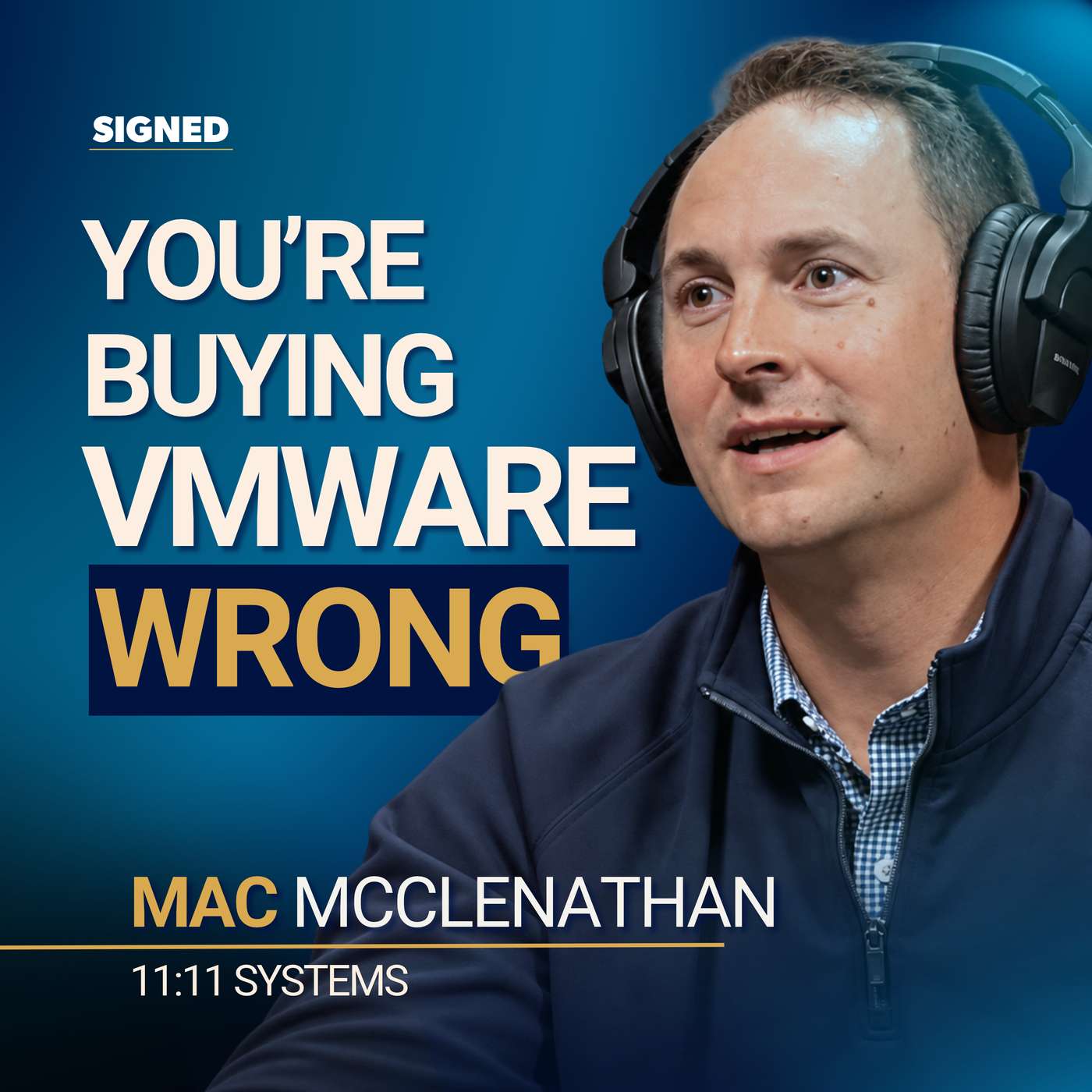
A buyer recently emailed Mac McClenathan asking for two servers hosted on Hyper-V to run his Sage accounting software. His only reason was to avoid Broadcom's 72-core minimum. Mac's company sells VMware capacity from a pooled license, so the minimum never applied to him. He was ready to change platforms over a rule that wasn't his.Mac McClenathan is VP, National Partner Development at 11:11 Systems. He joins Max Clark to break down what Broadcom's licensing changes did to VMware buyers, why so much of the renewal increase comes from bundled products customers never bought, and how to compare renewing, migrating, and having a provider run VMware for you.They get into a regional healthcare organization that priced hosted VMware, Nutanix and managed Azure side by side. Moving to Nutanix came out $250,000 more over five years, and Azure was almost double the hosted option before backup was even included. They also cover the March 2027 cutoff for providers that lost the right to sell VMware, an immutable backup plan that would have cost about $1.5 million more than it needed to, and why the first real backup test almost always finds a gap.If your VMware renewal is due in the next year and nobody has checked what you're paying for, this episode starts there.What You'll LearnWhy did our VMware renewal cost go up so much?Does Broadcom's 72-core minimum apply to my company?What are the alternatives to renewing VMware with Broadcom?Is hosted VMware cheaper than moving to Nutanix or Azure?What happens to our contract if our VMware provider lost its Broadcom authorization?Is migrating off VMware worth the cost and the risk?Do we need to make all of our backups immutable?How do we know our backups would work after a ransomware attack?In this conversation:(00:00) - Cold open: why 2025 and 2026 are very different stories
(00:33) - Why VMware decisions keep getting put off
(06:50) - The 72-core minimum that didn't apply
(09:43) - Why your renewal jumped: one product became eight
(14:01) - When immutable backups cost more than they save
(28:41) - The March 2027 provider cutoff and your contract
(33:54) - Why hosted VMware got cheaper after Broadcom
(41:31) - Hosted VMware vs. Nutanix vs. Azure: the real numbers
(59:27) - Why your first backup test will find a gap
(01:10:51) - Who's moving back from Hyper-V and public cloud
(01:15:00) - Why an MSP doesn't replace your IT team
What We Mentioned11:11 Systems, Mac's company: cloud infrastructure, backup, disaster recovery and network servicesVMware vSphere, the only product Mac says about 75% of VMware customers ever boughtVMware Cloud Foundation (VCF), the bundle most renewals now move intoBroadcomNutanixMicrosoft Hyper-VProxmoxMicrosoft AzureAWSCohesityRubrikZertoVeeamSageVerizon Data Breach Investigations Report (DBIR), which tracks how long attackers stay inside a networkCMMC (Cybersecurity Maturity Model Certification)CyrusOne, Mac's Houston data center during Hurricane HarveyvMotion (moving a running server between machines without downtime)Immutable backups (backups that can't be changed or deleted for a set period)RPO and RTO (how much data you can lose, and how fast you need to be running again)Clean room recovery (restoring into a separate, trusted environment after an attack)About Mac McClenathanMac McClenathan is VP, National Partner Development at 11:11 Systems. He has worked in the cloud business for about 20 years and joined 11:11 through Green Cloud, its first platform acquisition. 11:11 provides cloud infrastructure, backup, disaster recovery and network services, with about 6,000 customers worldwide using its backup and disaster recovery.Mac McClenathan on LinkedIn | 11:11 Systems | 11:11 Systems on LinkedInAbout the ShowSigned is the podcast for buyers in a market built for sellers. Host Max Clark, CEO of ITBroker.com, sits down with CIOs, CFOs, operators, and founders who've lived inside real enterprise tech deals. New episodes weekly at itbroker.com/podcast.If you're in the middle of a real tech decision and want someone in your corner, book an intro call at itbroker.com.Buy tech without regret.Follow: @itbrokerdotcomFull TranscriptClick here to view the episode transcript.

You got three quotes, pushed all three vendors, and took the one with 20% off. That process compares price on the basics every platform shares and hides what actually decides the purchase: whether the platform fits your business, and what the service really costs to deliver. Max explains why the three quote rule breaks down for enterprise technology and why a discount off the industry's opening price can still leave you overpaying.What You'll LearnHow to tell whether three vendor quotes are actually comparableWhat to define before you ask any vendor for a quoteWhy one vendor can quote far below the othersHow platform owners and resellers price differentlyWhen support is worth more than another 5% offWhy a 20% discount can still leave you overpayingAnswer These Before You Request QuotesWhat does this have to do that's specific to your business? Every phone system makes and takes calls. Write down what you need after that, like the systems it has to connect to and the hardware you plan to keep. That list is what makes the quotes comparable.Why is each vendor on your list? If the honest answer is "they were the ones we'd heard of," the comparison was decided before it started. Build the list from your answer to the first question.Does the vendor build the platform or resell it? A vendor that runs its own platform works from different costs than one reselling it wholesale. Ask each vendor which one they are, because it changes how far they can move on price.What will your team handle that the vendor won't? If your users are spread across locations, someone has to set things up on site and help people when something breaks. Price that work before you compare quotes. Another 5% off won't cover it if your team ends up doing the vendor's job.What price did every quote start from? Vendors in a category tend to open near the same list price. A 20% discount from that number tells you the vendor was willing to move. It doesn't tell you the price is competitive.If you can't answer two of these in writing, three quotes won't tell you which vendor to pick. Max walks through why in the episode.The Playbook(00:00) - Why “get three quotes” is dangerous advice for enterprise tech
(00:59) - When price shopping actually works
(01:42) - Same core features, very different platforms
(02:41) - Why one vendor can sell so much cheaper
(03:37) - Why platform owners and resellers price differently
(04:05) - When support is worth more than another 5% off
(04:35) - Why 20% off a $25 seat can still mean overpaying
(05:33) - What three quotes will never show you
Resources MentionedUnified communications (UCaaS): https://www.itbroker.com/solutions/unified-communications-as-a-serviceFurther reading, You Have Three Vendor Quotes. Here's What You're Still Missing Before You Sign.: https://www.itbroker.com/blog/how-to-compare-it-vendor-quotesAbout Signed Signed is the podcast for buyers in a market built for sellers. Playbooks are the solo format: one trigger, one specific play. New episodes weekly at itbroker.com/podcast. If the trigger in today's Playbook is one you're facing right now, book an intro call at itbroker.com. We help buyers make the right call the first time. Buy tech without regret. Follow: @itbrokerdotcomFull Transcript Click here to view the episode transcript.

Before you compare a single vendor, a lot of the decision is already made. The systems you run today rule some platforms out, and the choices you make now decide whether a requirement three years from now means adding a license or replacing something the business runs on. In this Playbook, Max Clark, CEO of ITBroker.com, answers a question he was asked directly: which is harder, brownfield or greenfield? Brownfield means building on systems you already have. Greenfield means starting from nothing. Max walks through why your existing setup narrows your options more than any feature comparison or RFP, what to plan for when you're starting fresh, and why each situation needs its own approach.What You'll LearnHow to tell if a new platform will work with the systems you already runHow your existing technology narrows your vendor options before you compare themWhat to plan for when you're choosing IT infrastructure from scratchHow to plan infrastructure for the next three to five years of business growthHow to avoid buying technology you'll have to replace laterWhy brownfield and greenfield projects need different buying approachesAnswer These Before You Compare VendorsWhat does a new system have to work with? List the hardware you plan to keep and the platforms it has to connect to, like Microsoft 365 or Google Workspace and your CRM. A vendor that can't support something on that list is either out or carrying a replacement cost.Which of those are you willing to replace? Some older equipment is worth replacing anyway. Decide that before the demo, so it's in the vendor's price instead of showing up during the rollout.What does your business plan say about the next three years? New locations and new compliance requirements change what your platform has to support. Write them down while they're still plans.If one of those happens, is it a license or a rebuild? Ask this about every platform you're considering. A feature you can turn on is a line item. A core system you have to replace is a project.If you can't answer two of these in writing, you're not ready to compare vendors yet. Max walks through both sides in the episode.The Playbook(00:00) - The three year test: add a license or replace a core system
(00:32) - Why existing systems make vendor selection easier
(01:32) - Why your current setup matters more than the RFP
(02:31) - Starting from scratch: decisions that last five to seven years
(02:59) - How your industry shapes what you'll need next
(03:55) - Why neither approach is easier
Resources MentionedMicrosoft 365 and Google Workspace, Max's first example of a decision that already limits which platforms fitSalesforce and HubSpot, the CRM choice that shapes what you can layer on top of itUnified communications (UCaaS), the phone system category in Max's example of checking a new platform against the hardware you already ownAbout Signed Signed is the podcast for buyers in a market built for sellers. Playbooks are the solo format: one trigger, one specific play. New episodes weekly at itbroker.com/podcast. If the trigger in today's Playbook is one you're facing right now, book an intro call at itbroker.com. We help buyers make the right call the first time. Buy tech without regret. Follow: @itbrokerdotcomFull Transcript Click here to view the episode transcript.

Comments

Download from Google Play

Download from App Store
 United States