



Best Mac Cleaner software: Reclaim disk space with a Mac cleaner app
Description
Is your Mac slowing down, frequently freezing, regularly running out of RAM or just not behaving like it used to? Are you short of space on your Mac? Have you spotted the immense amount of room taken up by System Data and are now looking for a safe way to delete some of that data? What you need is a Mac cleaner app that will delete the clutter and digital debris from your system and free your RAM from memory hogs.
What is the Best Mac Cleaner?
The Best Mac Cleaner for you depends on what you want to use it for. Just looking for a quick and easy way to free up some space so that the latest version of macOS will install? You probably want something that doesn’t cost a lot for a one off use. Looking for something that won’t just clear space, but will also help you free up memory/RAM, diagnose problems, and even check for viruses, we have the solutions below.
PROMOTION
CleanMyMac X | Clear your Mac’s disk
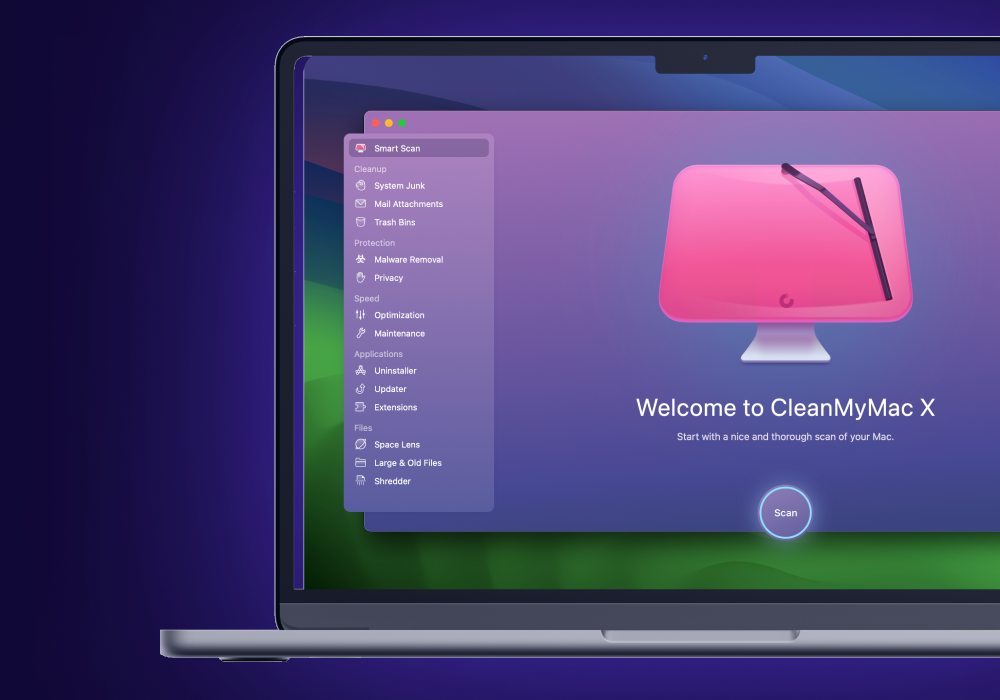
Use CleanMyMac X to find hidden junk and free up the unseen cache files. Locate old folders, background apps, and heavy memory consumers. Tune your Mac for maximum speed, and keep it malware-free and secure
We like CleanMyMac because there is the choice of a yearly subscription or a one time purchase price if you think you might want to keep it for the long haul. Another option we really like is Parallels Toolbox which offers a bundle of handy tools for just about everything. There are also some cheaper options including Cleaner One Pro and Nektony’s App Cleaner & Uninstaller and free options such as Onyx and CCleaner.
Best Mac Cleaner 2025
Below you can read about the Mac Cleaners we have reviewed. Read on to find out why we rate these options so highly.
Later in this article we discuss how we test Mac cleaning software and run through a checklist of things you should do before running a Mac cleaner. We also answer various questions about using a Mac cleaner.
1. MacPaw CleanMyMac – The most comprehensive Mac cleaner
<figure class="wp-lightbox-container">
 <button class="lightbox-trigger" type="button">
<svg fill="none" height="12" viewBox="0 0 12 12" width="12" xmlns="http://www.w3.org/2000/svg">
<path d="M2 0a2 2 0 0 0-2 2v2h1.5V2a.5.5 0 0 1 .5-.5h2V0H2Zm2 10.5H2a.5.5 0 0 1-.5-.5V8H0v2a2 2 0 0 0 2 2h2v-1.5ZM8 12v-1.5h2a.5.5 0 0 0 .5-.5V8H12v2a2 2 0 0 1-2 2H8Zm2-12a2 2 0 0 1 2 2v2h-1.5V2a.5.5 0 0 0-.5-.5H8V0h2Z" fill="#fff"></path>
</svg>
</button></figure>
Pros
- Improved interface and ease of use
- Wide range of cleaning tools
- Subscription or one-time purchase
Cons
- Limited malware features
- Some technical knowledge still needed
Best Prices Today:
Retailer
Price
Price comparison from over 24,000 stores worldwide
Product
Price
Price comparison from Backmarket
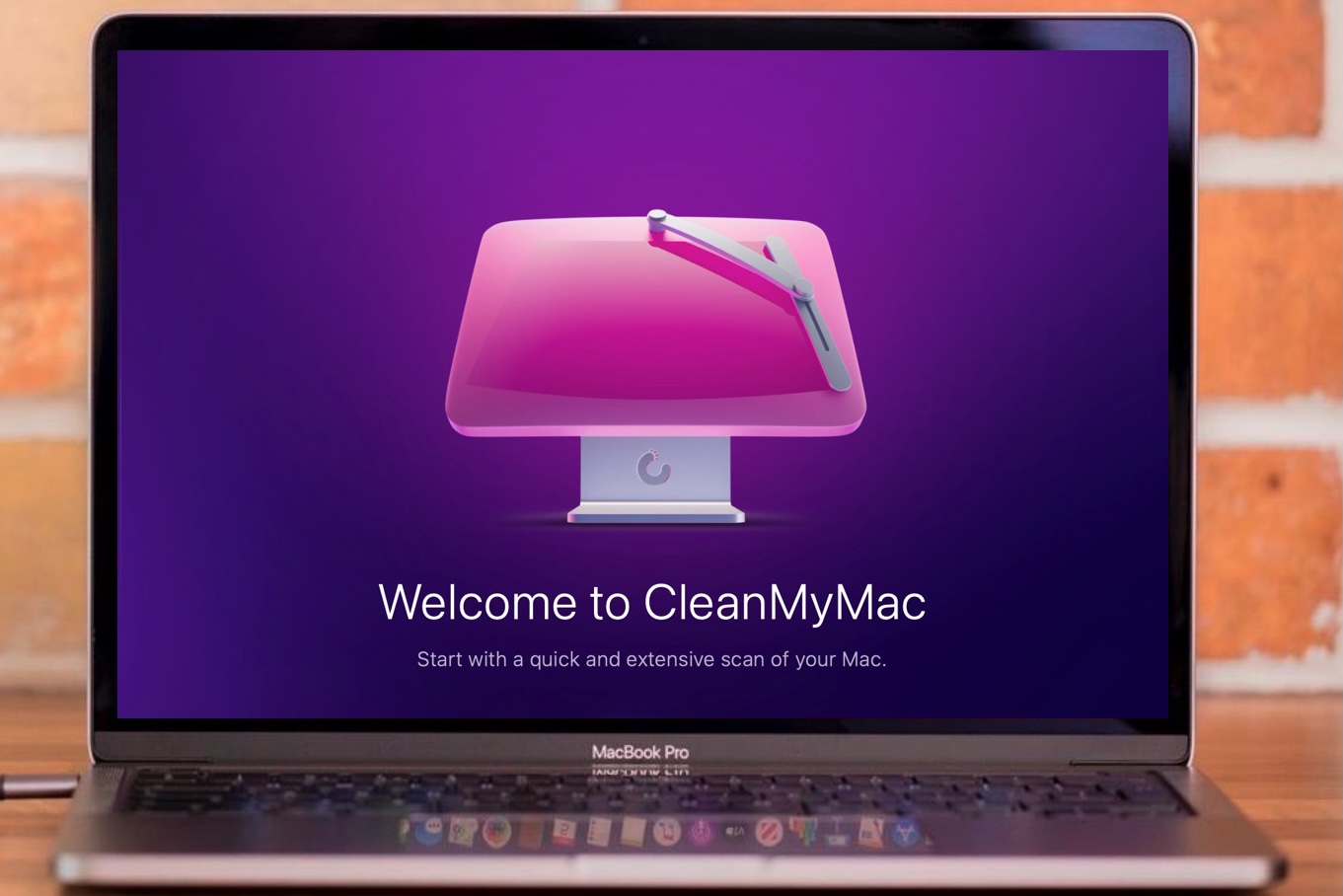
Few cleanup apps are as comprehensive as CleanMyMac from MacPaw, which was updated to version 5.0 (and dropped the X from its name) in 2024. Version 5.0 brought a redesigned interface that simplifies things by displaying the results of its scans as a series of tiles that give you a quick summary of each scan.
2025 updates to CleanMyMac introduced a bunch of new features and a change to the pricing structure, with a cheaper Basic version and a more expensive Plus version offered. The Basic version offers a limited set of features for less technically inclined users, while the Plus version offers the full range of features.
CleanMyMac’s tools fall into five main categories that focus on different tasks: Cleanup, Protection, Performance, Applications and My Clutter. A new Smart Care feature gives your Mac a quick check-up and summarises the result of its scans for all five categories.
The Cleanup tools focus on deleting junk. The Protection tools can scan for malware, detecting and quarantining threats. CleanMyMac isn’t a dedicated antivirus program like those featured in our Best Antivirus for Mac round-up, but it’s a nice addition.
The Performance tools help with routine maintenance, such as clearing out DNS cache, or re-indexing Spotlight and Mail to speed up search results. Version 5.0.5 added a new option Purgeable Space, which scans your entire hard drive for old files, cache files, or temporary files and downloads that you can delete to save space.
The Applications tools help you delete unwanted applications and left over installation files.
My Clutter can scan either individual folders or your entire Mac drive to locate old files. Version 5 added the ability to identify duplicate files, or photos that look very similar, so that you can delete them.
There are also diagnostic tools, including the ability to identify apps that are using a lot of battery power.
In version 5.1 the Space Lens was revamped to provide a visual guide to the use of storage on your Mac, but this feature only comes with the Plus version of the app.
A Cloud Cleanup feature arrived in version 5.2.1 (also only available with the Plus version). This allows you to use CleanMyMac to scan your cloud storage on iCloud Drive, Google Drive or Microsoft OneDrive.
Y


 United States
