



Best external SSD for Mac 2026: Expand your Mac storage
Description
Solid-state drives – aka SSD – used to be really expensive, but prices have really fallen in the past few years, and you can now pick up fast, reliable SSDs that cost only slightly more than their hard drive counterparts. Even the slowest SSDs are generally faster than mechanical hard drives.
As well as being faster than conventional hard drives, SSDs are lighter and sturdier too, making them ideal for use with a laptop when you’re traveling. That’s reflected in the drives that we review here, most of which are small and light enough to slip into your pocket. However, the latest SSDs can also offer up to 8TB of storage, which makes them a good option for use with a desktop Mac in an office as well. And they can help to reduce cable clutter too, as they generally take their power from a USB port on your Mac, rather than requiring a separate external power supply.
In this article we’ve included the best external SSDs for everything from blazing-fast performance, to budget options, to portability, and more.
Best SSD for Mac
These are our top choices of Mac SSDs we have reviewed, including a few cheaper options to match any budget.
LaCie Rugged SSD Pro5 – Best SSD with Thunderbolt 5
<figure class="wp-lightbox-container">
 <button class="lightbox-trigger" type="button">
<svg fill="none" height="12" viewBox="0 0 12 12" width="12" xmlns="http://www.w3.org/2000/svg">
<path d="M2 0a2 2 0 0 0-2 2v2h1.5V2a.5.5 0 0 1 .5-.5h2V0H2Zm2 10.5H2a.5.5 0 0 1-.5-.5V8H0v2a2 2 0 0 0 2 2h2v-1.5ZM8 12v-1.5h2a.5.5 0 0 0 .5-.5V8H12v2a2 2 0 0 1-2 2H8Zm2-12a2 2 0 0 1 2 2v2h-1.5V2a.5.5 0 0 0-.5-.5H8V0h2Z" fill="#fff"></path>
</svg>
</button></figure>
Pros
- Supports Thunderbolt 5
- Impressive performance
- Rugged design with IP68
- Five-year warranty
Cons
- Expensive
- Requires M4 Pro or Max
Best Prices Today:

Product
Price
Price comparison from Backmarket
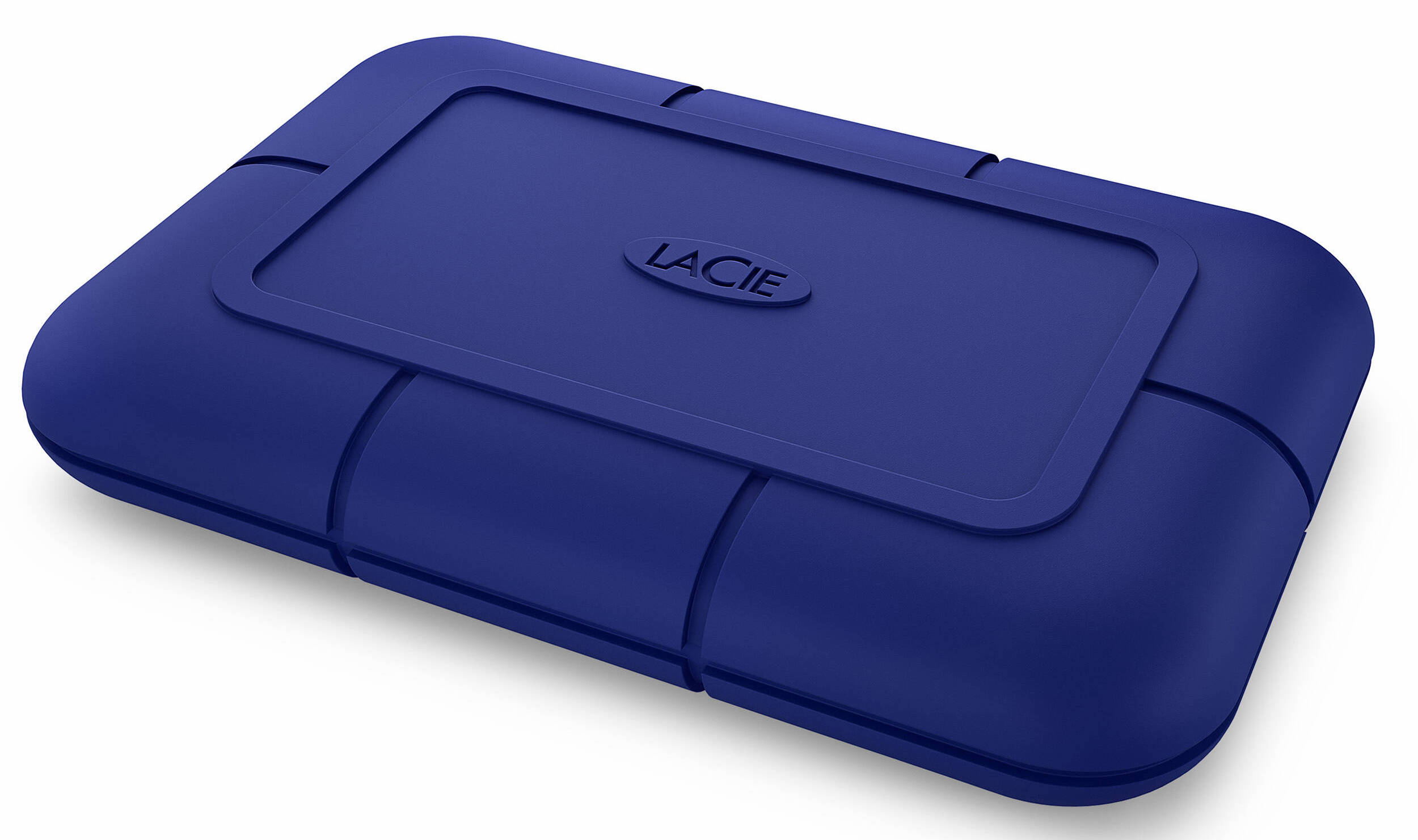
The Pro5 looks almost identical to the previous-generation Rugged SSD Pro (below), which uses Thunderbolt 3. The only visible difference between the two drives is the fact that the Pro5 is wrapped in a dark-blue rubber sleeve, rather than the somber black of its predecessor.
That rubber sleeve is designed to provide extra protection for the drive, and the Pro5 is even sturdier than before, with an IP68 rating for water and dust-resistance. LaCie claims the Pro5 can survive immersion in 1.5 meters of water for 30 minutes, survive being dropped from a height of 3m (10ft), and survive being run over by vehicles weighing up to two tonnes. There’s a five-year warranty too.
It measures 17mm thick, 98mm wide and 65mm deep and weighs 150g, which is a little more than its 100g Rugged Pro predecessor. It comes in 2TB or 4TB capacities. It’s not cheap, starting at $399.99/£359.99 for 2TB or $599.99/£579.99 for 4TB.
The Pro5 does use a standard USB-C connector, so it’s still backward-compatible with older Macs, but if you want to get the full performance of the Thunderbolt 5 interface you’ll need a MacBook Pro or Mac mini with M4 Pro or M4 Max processor as these are the only chips to support the standard. The older Rugged Pro is still on sale, so make sure you look for the Pro5 model if you want Thunderbolt 5 performance. We found that the standard USB-C cable we use for our Time Machine back-up drive didn’t provide enough power for the Pro5, so it might be worth investing in a spare Thunderbolt 5 cable.
The Rugged SSD Pro5 is the fastest Thunderbolt drive we’ve tested so far, and along with its rugged, portable design it’s an excellent option for creative users who want to exploit the full speed of their new Thunderbolt 5 Macs.
Read our full
LaCie Rugged SSD Pro5 review
OWC Express 1M2 SSD – Fastest SSD with USB4
<figure class="wp-lightbox-container">
 <button class="lightbox-trigger" type="button">
<svg fill="none" height="12" viewBox="0 0 12 12" width="12" xmlns="http://www.w3.org/2000/svg">
<path d="M2 0a2 2 0 0 0-2 2v2h1.5V2a.5.5 0 0 1 .5-.5h2V0H2Zm2 10.5H2a.5.5 0 0 1-.5-.5V8H0v2a2 2 0 0 0 2 2h2v-1.5ZM8 12v-1.5h2a.5.5 0 0 0 .5-.5V8H12v2a2 2 0 0 1-2 2H8Zm2-12a2 2 0 0 1 2 2v2h-1.5V2a.5.5 0 0 0-.5-.5H8V0h2Z" fill="#fff"></path>
</svg>
</button></figure>
Pros
- 80Gbps USB4
- Fantastic performance
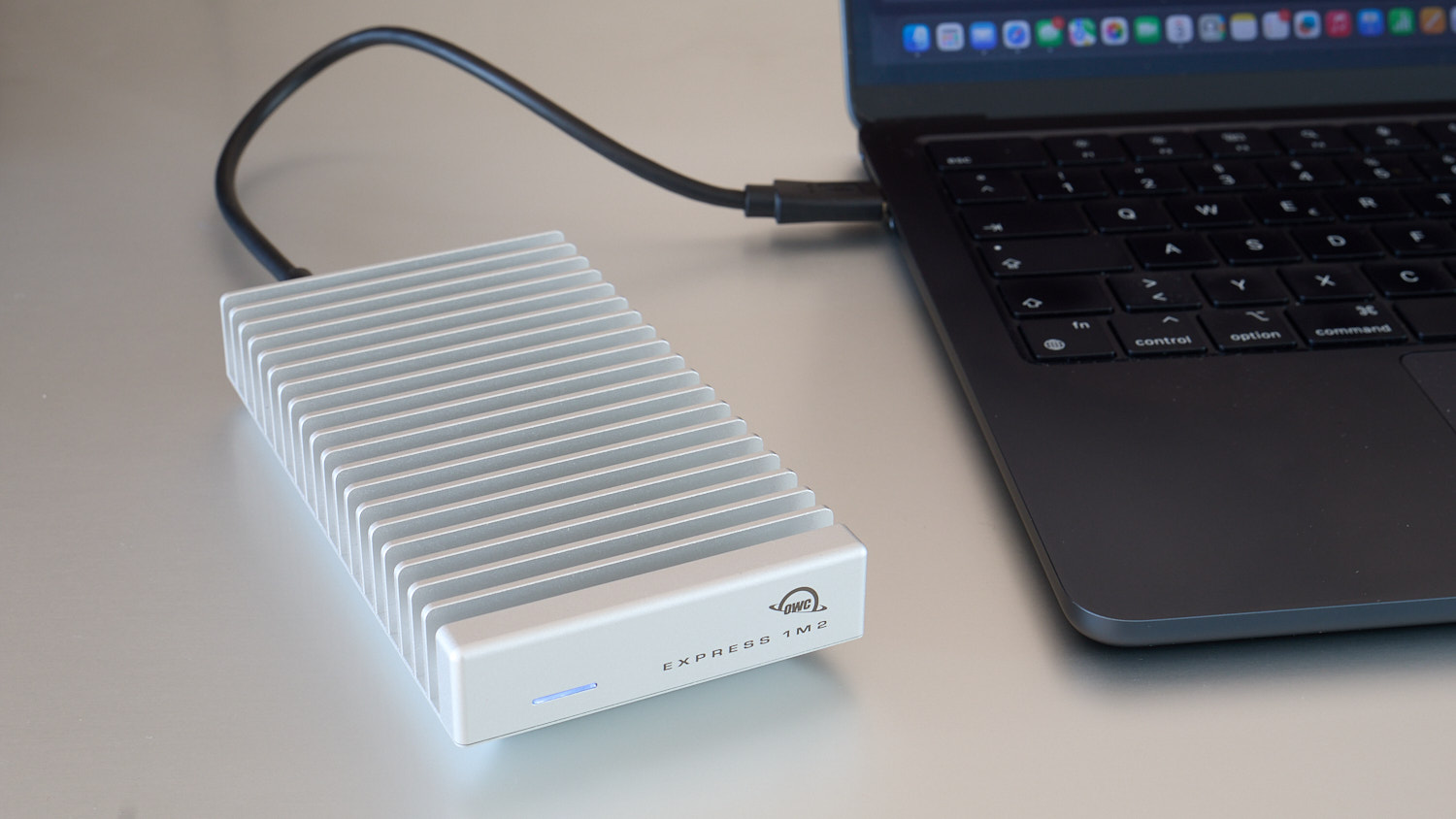
- Finned, heat-shedding design
- Backwards compatible with USB 2
Cons
<ul cl


 United States
