


“Clipboard Normalization” by jefftk
Description
The world is divided into plain text and rich text, but this is often
not what I want. I want comfortable text:
- Yes: Lists, links, blockquotes, code blocks, inline code, bold,
italics, underlining, headings, simple tables. - No: Colors, fonts, text sizing, text alignment, images, line
spacing.
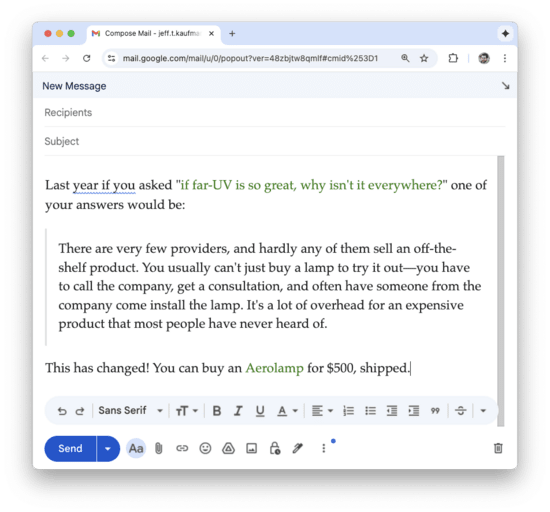
Let's say I want to send someone a snippet from a blog
post. If I paste this into my email client the font family, font
size, blockquote styling, and link styling come along:
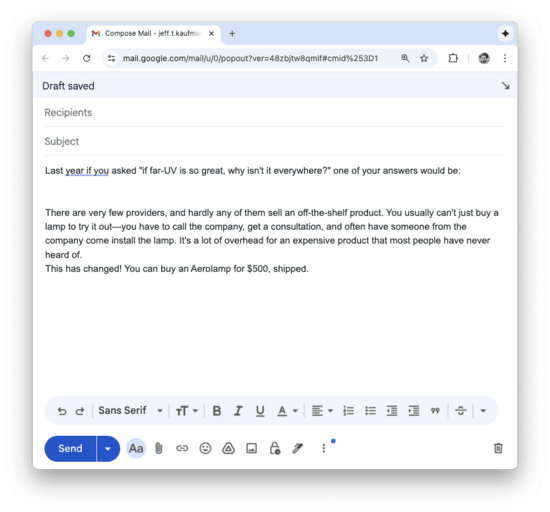
If I do Cmd+Shift+V and paste without formatting, I get no styling at
all:
I can deal with losing the blockquote formatting, but losing the links
is a pain.
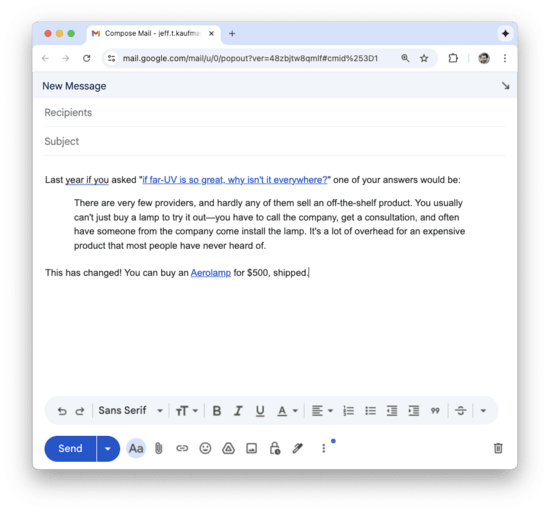
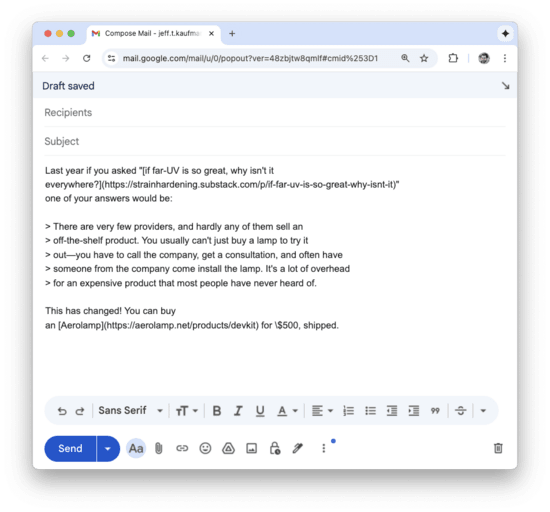
What I want is essentially the subset of HTML that can be represented
in Markdown. So I automated
this! I made a Mac command that pulls HTML from the clipboard,
passes it through pandoc twice (HTML
to Github-flavored markdown to HTML), and puts it back on the
clipboard. I also packaged it up as a status-bar app:
You can run it by clicking on the icon, or invoking the script:
$ normalize-clipboard
[...]
---
First published:
December 25th, 2025
Source:
https://www.lesswrong.com/posts/GLBRarCLpq7XwhxFi/clipboard-normalization
---
Narrated by TYPE III AUDIO.
---
Images from the article:
Apple Podcasts and Spotify do not show images in the episode description. Try Pocket Casts, or another podcast app.


 United States
